

Cities and Municipalities

Pay from the budget for 10 systems?

Nonsense

Do you already have Microsoft 365 purchased? Then you have the power to speed up your entire office. Get rid of paper bureaucracy, unify your agenda, and bring transparency to your processes.
Stylized illustration of a web interface with icons for a bus, a warning sign, and a shield with a checkmark, indicating a safe or secure platform. The design is subtle and uses light teal and white colors.

Why doesn't it make sense to pay for 10 different apps?

You are solving problems in self-government through software tenders. Contracts, communication, and attendance are causing chaos, fragmented data, and unnecessary costs. Let's look at this pragmatically.
What do companies typically do
Dear integrations
Common platforms are hitting limits and charging fees for every change.
Weak security
Your data and citizen information are at risk if the system does not meet strict standards.
Chaos on the official agenda
Tracking resolutions and citizen requests is recorded in Excel files, which slows down officials.
Zero automation
Web portals are for presentation. They will only slow down your internal work.
Your application in SharePoint
A colorful, gradient ribbon shape forms a loop with a black rectangle in the bottom right corner, containing bold white text spelling out M365, symbolizing the digitization of processes and the performance of Microsoft 365 services for businesses.
Natural connection
Teams, Outlook, OneDrive. Everything works together, without complicated programming in MS 365 and SharePoint.
Microsoft Security
Data protection and access management directly from Microsoft. No compromises.
Unified Office Portal
The mayor, council members, and officials all have one system. You know exactly who is working on which resolution and where the process currently stands.
Cleaned processes
With our framework, we can automate even what a regular website can't handle.

Certified experts.
No trial and error.

200+

Digitized processesfor companies, municipalities, and organizations.

30

Days until first results.We deliver fast, no excuses.

8

Market trends.We are a rapidly growing company awarded in Deloitte Fast 50.

Business SolutionsImmediately and to measure.

We have ready-made modules that will speed up your startup. However, our greatest strength is the creation of intelligent workflows precisely according to your company rules.
A blue chat bubble icon with two white horizontal lines in the center, resembling an equals sign, on a light background.
Satisfaction questionnaires and reporting

Blue speech bubble icon with two white horizontal lines in the center, resembling an equals sign, on a light gray background.
Satisfaction questionnaires and reporting

A blue column chart icon with three rounded vertical bars of different heights on a light gray background.
Investment stock evidence
Illustration of digital graphs on screens including a yellow partial donut chart and a bar chart, representing analytics or data visualization for business solutions and business digitalization.
Blue abstract icon on a light background with a large and small circle, a horizontal bite-shaped oval, and three horizontal lines resembling a minimalist user profile symbol.
Evidence of citizen demands
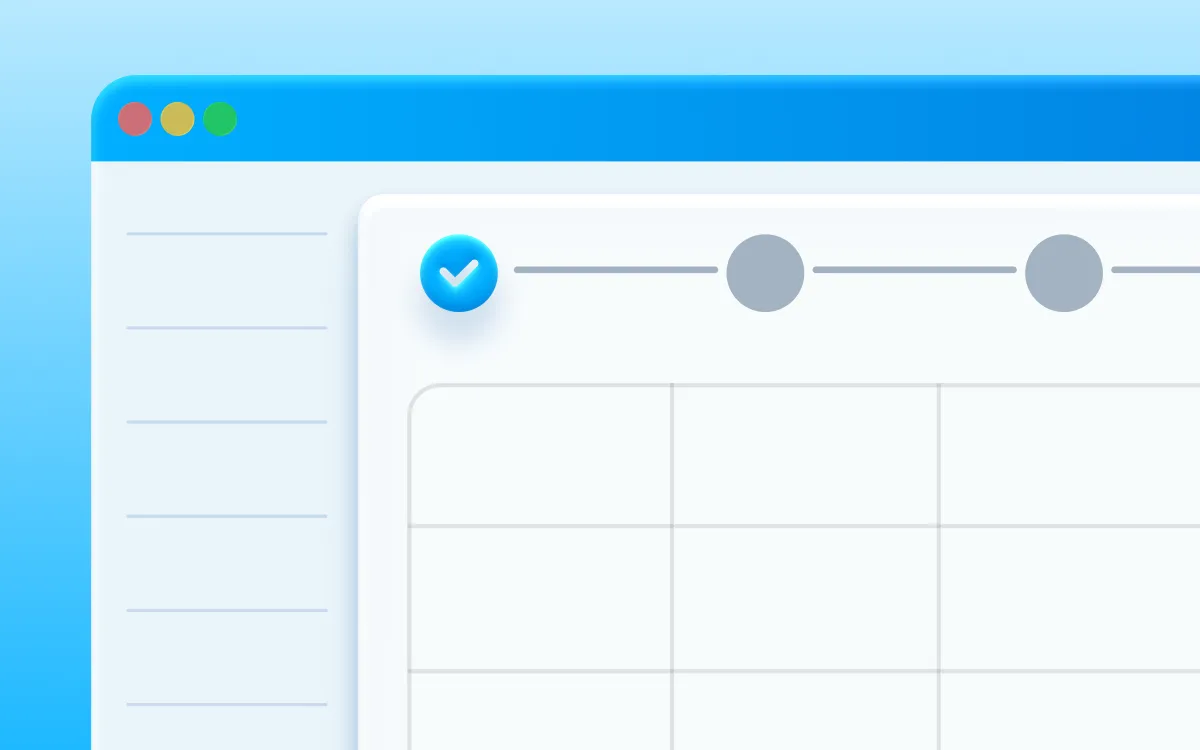
Stylized digital interface with a blue header, partial grid or table, and a progress indicator at the top showing a blue checkmark followed by an empty gray circle - ideal for Microsoft 365 for Business and business digitalization.
Blue rounded square icon with a white horizontal stripe at the top and five white dots arranged in two rows in the center, resembling a calendar or scheduling app logo.
Vacation and Absence Calendar
Rounded blue square icon with a white horizontal line at the top and five white dots arranged in two rows below it, resembling a stylized calendar or app interface.
Vacation and Absence Calendar
Stylized digital calendar interface with colorful lines representing events - ideal for digitization processes. The design features a blue header and typical window control buttons in the top left corner.
Blue icon showing a car with a large clock above it, representing scheduled or time-bound transportation, such as a car or ride reservation.
Car and Equipment Booking System
A blue car icon with large clocks above its rear, symbolizing time or a scheduled trip, or perhaps representing car rental, trip planning, or transportation services.
Car and Equipment Booking System
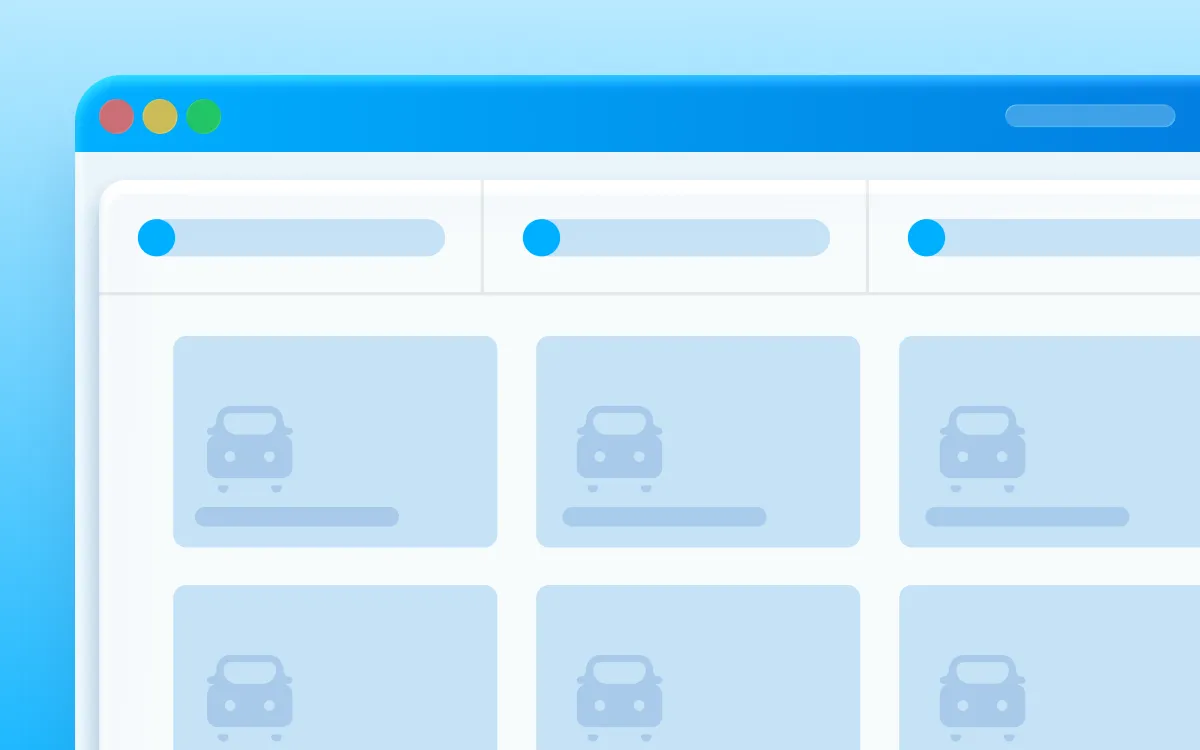
Illustration of a web browser window displaying a grid layout with car icons and sliders above them, suggesting digital car search processes or a filter interface. A minimalist design in blue and white emphasizes modern business solutions.
A blue icon with rounded edges resembling two overlapping folders or documents, with one folder slightly behind and above the other, on a light gray background.
Support ticket
Blue icon with three overlapping rectangles with rounded corners, representing documents or folders against a light gray background.
Support ticket
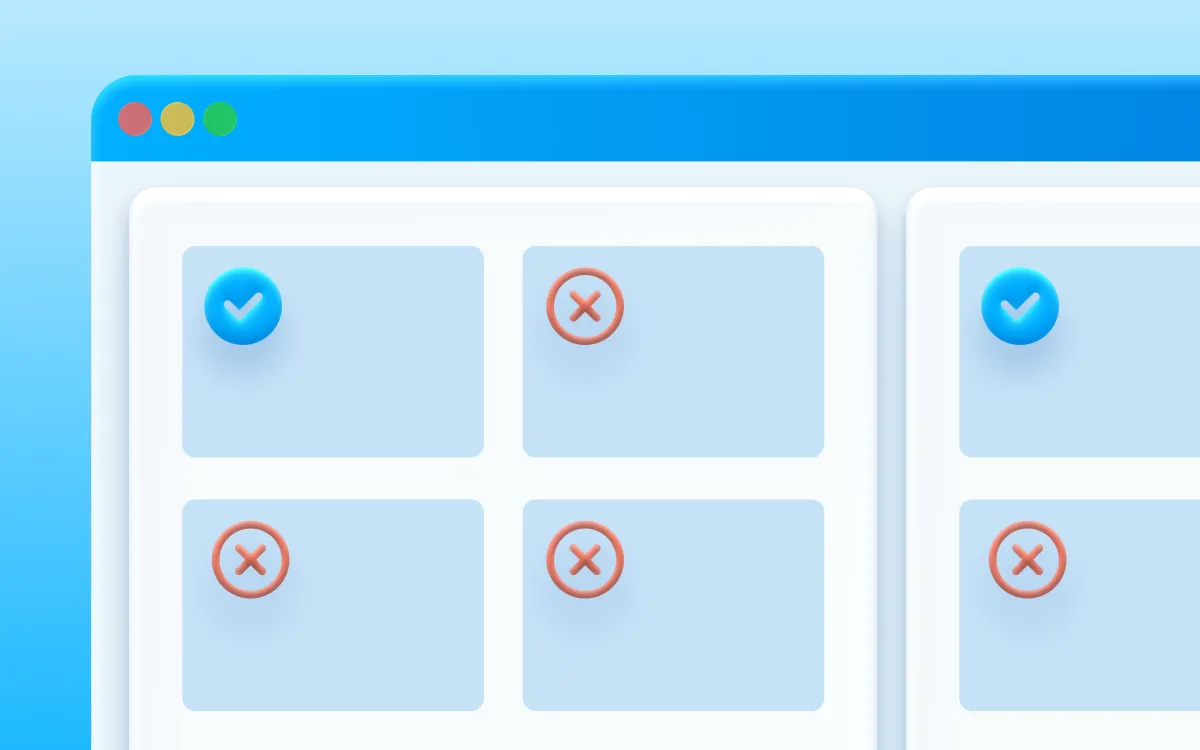
The digital interface depicts solutions for businesses: a grid of four squares - three marked with a red X, one with a blue checkmark - symbolizes simplified options. A side column highlights a successful outcome. The blue and white background evokes business digitalization.
Logo with five blue rounded rectangles arranged vertically and horizontally on a light gray background, forming an abstract geometric design.
Recruitment System
Four rounded blue rectangles of different sizes are arranged on a light gray background, two vertically aligned on the left and two stacked on the right, resembling a minimalist abstract design.
Recruitment System
Turquoise icon resembling a document with two sparkles or stars in the upper right corner, indicating something new, special, or improved within the document.
Evidence of slips and received invoices
A bright blue icon in the shape of a document with two sparkles in the upper right corner indicates something new, clean, or improved.
Evidence of slips and received invoices
Flowchart with four icons connected by lines: an eye at the top center, a database on the right, a document on the left, and a sparkling list at the bottom - all representing process automation for business digitalization on a blue gradient background.
Simple, stylized blue car icon viewed from the front with circular headlights and two wheels on a light gray background.
Business trip evidence
A simple blue car icon with two round headlights, viewed from the front, on a light gray background.
Business trip evidence
A three-step process diagram with icons of a car and a clock, a fuel nozzle, and a green checkmark, connected by lines on a blue gradient background, illustrating the digitalization of processes to increase workflow efficiency.
Evidence of contracts with digital signatures
Light blue stylized pencil drawing with a wavy line on a light gray background.
Evidence of contracts with digital signatures
A graphic flowchart with three circular icons - a document, a signing pen, and a green checkmark - connected by lines, illustrating the digitalization of processes and solutions for companies in filling out, signing, and completing a form on a blue background.
Teal square with two vertical white stripes and a circle overlapping the bottom right corner, with a white checkmark inside the circle.
Employee onboarding and HR processes
Turquoise blue icon with a stylized bar chart and a large checkmark in front, symbolizing approval or successful analysis.
Employee onboarding and HR processes
The central icon of a sparkling document connects with four surrounding icons - a person, a chat bubble, a folder, and a checkmark - symbolizing Microsoft 365 for business and process automation, set against a blue gradient background.
Blue bell icon with a circular dot in the upper right corner on a light gray background.
Request Approvals (Vacation, IT Equipment, Goods)
Light blue bell icon with a circular dot in the upper right corner, symbolizing a notification alert, on a light gray background.
Request Approvals (Vacation, IT Equipment, Goods)
Flowchart with four circular icons connected by white lines on a blue background: a chat bubble, a monitor, a red X, and a green checkmark - depicting business process automation or digitization in action.
Turquoise rectangular floating device with rounded corners and a small oval cutout at the bottom on a light gray background.
Asset management and inventory
A light turquoise rectangular object with rounded edges and a small horizontal oval cutout at the bottom, shown on a light gray background.
Asset management and inventory
Diagram with icons depicting a database, two user symbols, a smartphone, and a computer monitor, connected by white lines on a blue gradient background - illustrates process digitization using Microsoft 365 for Business.

Digitization will save your office money.

Read real stories from municipalities and cities that we have helped optimize processes for efficiency and meaning.
A solid rectangle filled with a vibrant yellow color, symbolizing the energy and clarity brought by process digitization. No patterns, text, or other elements are visible.

Analysisprocesses

First, we will understand in detail how you work today. We'll show you exactly where you're wasting precious time and money. We'll ruthlessly clean up anything that doesn't make sense.
A solid rectangle filled with a vibrant yellow color, symbolizing the energy and clarity brought by process digitization. No patterns, text, or other elements are visible.

Design and development solutions

We reliably revitalize processes directly within the Microsoft 365 platform. We will implement automated workflows without disrupting your operations. We will deliver the first results to you within 30 days.
A solid rectangle filled with a vibrant yellow color, symbolizing the energy and clarity brought by process digitization. No patterns, text, or other elements are visible.
A smiling woman in a green sweater holds an open laptop. Colorful chat bubbles and a yellow circle icon suggest a bright, digital, and friendly atmosphere – ideal for showcasing Microsoft 365 or a custom CRM to support process digitization.

Adoptionand support

Handing over a system your people don't know how to use? Nonsense. We'll teach them how to work with it and provide you with full support even after the solution is deployed.

Do you know exactly where you're losing time and money?

Nonsense

Launch our NONSENSE SCANNER. In 3 minutes, find out how much precious time and money you're really burning on unnecessary operations.

What you get:

Quick calculation of hours lost on routine work.
Uncovering hidden bureaucratic pitfalls in your organization.
Specific examples of solutions that make sense.
A young man in a light green checkered shirt smiles, holding an open laptop and looking to the side - he is ready to embrace digitalization with Microsoft 365 on a simple white background.

Are you starting your digital journey?

Here are the answers.

Start where paper is holding you back the most. We'll help you streamline your central contract register, incoming invoice processing, or internal approval processes into a single source of truth.

No. We work with Microsoft 365, which your organization has most likely been paying for and using for quite some time. Why would you need to procure and train people on yet another standalone system? Why pay for additional licenses when you already have a robust platform? Nonsens.

Practically any record you currently find complicated to manage. From invoicing to tasks, asset management, and documents – we'll transform everything into clear and organized workflows. There's no such thing as "it can't be done.".

Yes. We will safely transfer old tables and broken files from your servers to a new, organized system that meets security standards, allowing your people to continue working immediately.

Let's leave theories to others. We write what works.

No IT jargon or PR fluff. Just real guides for Microsoft 365 and tips on how to cut bureaucracy from your company.
Uncategorized
11 minutes
readings

Microsoft Copilot vs. ChatGPT, Claude, and Gemini: Why You Need a Different AI Tool for Corporate Data

Let’s be honest right from the start: your people are already using AI. Some have ChatGPT rewrite their emails, others fed yesterday’s meeting notes into Claude to extract action items, and a salesperson used Gemini to summarize a competitor’s offer. They’re doing this for a good reason—it saves them time. They often do this on personal accounts that you don’t even know about.  And that’s exactly the point. The question for companies today isn’t „should we use AI or not?“ That ship has long since sailed. The question is: Will the AI that the company controls—and that runs on your data—be secure, or will it cause an uncontrolled outflow of company information to third-party servers, which has long been underway? Let’s get straight to the point.  What does „using Microsoft 365 in a business“ actually mean? Microsoft 365 isn’t just Word, Excel, and Outlook, for which you pay licensing fees. It’s an entire ecosystem—SharePoint for documents and the intranet, Teams for communication, Power BI for reports, and above all, Microsoft 365 Copilot—that is, AI that isn’t just floating in the air but works directly on your data.  That’s a fundamental difference from what you might imagine when you think of „using AI.“ Copilot in M365 doesn’t just know the internet—it knows your entire company. It knows what’s in your SharePoint documents, what’s been discussed in Teams, and what’s in your calendar and emails. And it operates within the permissions you already have in place at your company.  Most of the companies we know don’t even use 20% of what they’re paying for in Microsoft 365. The licenses are active, Copilot is right at your fingertips, and yet employees are still copying data into third-party tools. That’s exactly the kind of nonsense worth eliminating.  Where does Microsoft 365 actually save time? Specifically, not just in marketing buzzwords. The most common scenarios we see with clients: […]




On a wooden table next to a candle, a glass, books, and a decorative plant lies a laptop with the Copilot application open. The word „opium“ appears in the bottom right corner.
Microsoft
9 minutes
readings

New Copilot Features in SharePoint: Tips, Tricks, and Practical Real-World Scenarios 

If you've been following the development of AI for a longer time, just like us, and you're familiar with Copilot, then in our previous article, we already looked at how it can function as an everyday assistant for content work. However, things have progressed since then, not with one wow feature, but with a number of practical improvements that are starting to be noticeable, especially in regular workdays. We'll introduce you to 5 useful features that are gamechangers in daily work life. In other words, Copilot is already [...]
A person is looking at a city planning digital interface on a desktop computer monitor, which displays a futuristic city model with icons in the workspace. In the bottom right corner, the word opium is displayed in a blue circle.
Digitization
7 minutes
readings

If cities stopped putting out fires: 3 solutions that save them hundreds of hours today

Imagine a Monday morning at the city hall. The department head opens their laptop, needing to check the status of an investment project. They start searching through emails. Then they call a colleague. The colleague sends an Excel file – but it's not the right one. A third attempt. Fifteen minutes gone. And the project is still not clear. This is not an exception. This is the daily reality for most Slovak municipalities. In our experience, the average [...]
A friendly robot hovers next to a futuristic interface displaying AI-generated images and Slovak text, with a blue logo reading "opium" in the lower right corner.
Digitization
7 minutes
readings

AI agents in companies: when software works for you 

Let's admit one thing. Almost everyone uses artificial intelligence today. Some people write texts with it, some create presentations, some have Excel tables generated for them. AI has become a universal assistant: you open it, ask a question, get an answer, and continue. But while most people use AI as a handy tool, something a level higher is starting to appear in companies. An AI agent. And surprisingly many [...]

Two men in chef hats and casual jackets stand smiling indoors by a metal railing. In the bottom right corner is a blue graphic with the word opium.
Case study
4 minutes
readings

How to set up a Digital Workflow?

At Opium.systems, we love innovation, and sometimes we even „cook“ it up. One of our most unique activities, which we recently implemented at the Slovak Savings Bank's business conference, BIKOSS 2025, is the cooking show „How to Cook a Digital Workflow.“ Why did we have a cooking show, anyway? During typical digitization training or workshops, the human experience is often lacking – processes, workflow mapping, and automation are [...]

A man in glasses and a striped shirt is sitting at a desk, working on a computer in a modern office with plants and round blue walls. In the bottom right corner, the word "opium" is displayed in white text on a blue background.
Help
5 minutes
readings

AI Agent Security - How Not to Let Your Copilot Sniff Out Your Secrets 

AI agents are like Swiss Army knives in the digital world. They can read, write, connect data, send notifications, automate workflows... if you set them up correctly, they won't even forget your boss's birthday. But in the wrong hands, or without oversight? They could accidentally reveal sensitive information, modify the wrong record, or trigger a process that wasn't supposed to be released yet. Their deployment can be either a win, [...]

Let's get to the point.

Do you know exactly what's holding your organization back?
Leave us your contact information and we will get back to you within 24 hours.
grant consent to the privacy policy*
Write to us anytime
ahoj@opiumsystems.sk
Call us directly
+421 911 209 609