If cities stopped putting out fires: 3 solutions that save them hundreds of hours today
April 24, 2026
7 minutes
Readings
Picture a Monday morning at the city hall. The department head opens their laptop and needs to check the status of an investment project. They start searching through emails. Then they call a colleague. The colleague sends an Excel file – but it's not the right one. Third attempt. Fifteen minutes gone. And the project is still unclear.
This is not an exception. This is the daily reality for most Slovak municipalities.
Based on our experience, the average clerk will lose 9.5 hours per week by searching for information, rewriting data from one table to another, and resolving ambiguities that would not have arisen with a proper system at all. That's more than a full workday – every week, for every employee.
The solution is not far off. Most cities already pay for Microsoft 365 today. It has SharePoint, Teams, Power Automate. The tools are ready. Only one step is missing - to set them up to truly work for people, not against them.
That's exactly what we do at Opium Systems. And the results speak for themselves.
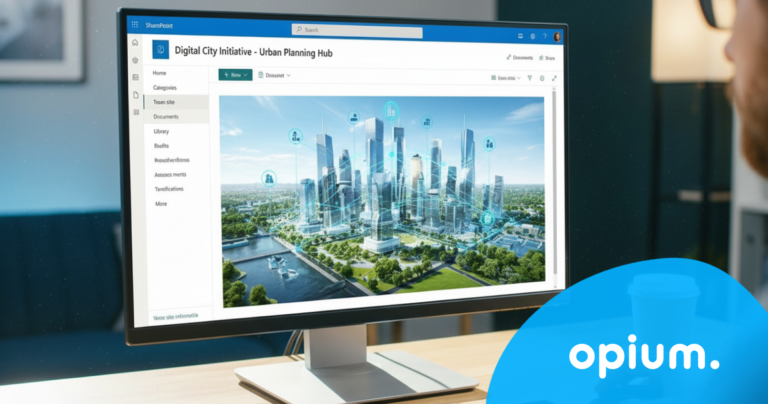
Investment stocks: finally everything in one place
Each city manages dozens, sometimes hundreds, of investment projects annually. Road reconstructions, nursery school construction, public lighting modernization. Each project has its own budget, its own deadlines, its own responsible individuals, and a mountain of documents.
Without a system, it will become a jungle. That's why in our module for investment shares, you can work with:
budgets
people
responsibilities
installments
documents
milestones
tasks
processes
Report to me
Who has the current version of the budget? Where is the contract documentation? What percentage of the budget has been drawn down? These questions are asked repeatedly in meetings, and the answers are sought in emails, attachments, and spreadsheets scattered across multiple people's computers.
Cities that have implemented the digital investment share management system with us simply do not have this problem. Each project has its own card in SharePoint. In one place, you can find the budget, responsible persons, current status, documents, change history, and open tasks. Nothing is lost. Nothing is overlooked.
Management has a real overview without needing to call a meeting. Every department knows what is expected of them. And if something changes, everyone knows at the same moment, not a week later at another meeting.
Recruitment Processes: From Chaos to Systematic Onboarding
Hiring new employees is still the same old story in most offices. Resumes arrive via email. Each committee member has their own rating spreadsheet. Interview dates are coordinated via messages. Invitations are sent manually. And somewhere at the end of this process, a new employee awaits onboarding, which no one has properly organized either.
The result? Good candidates get lost in the process. Deadlines are missed. And a new colleague's first day at work is more a source of stress than a pleasant welcome.
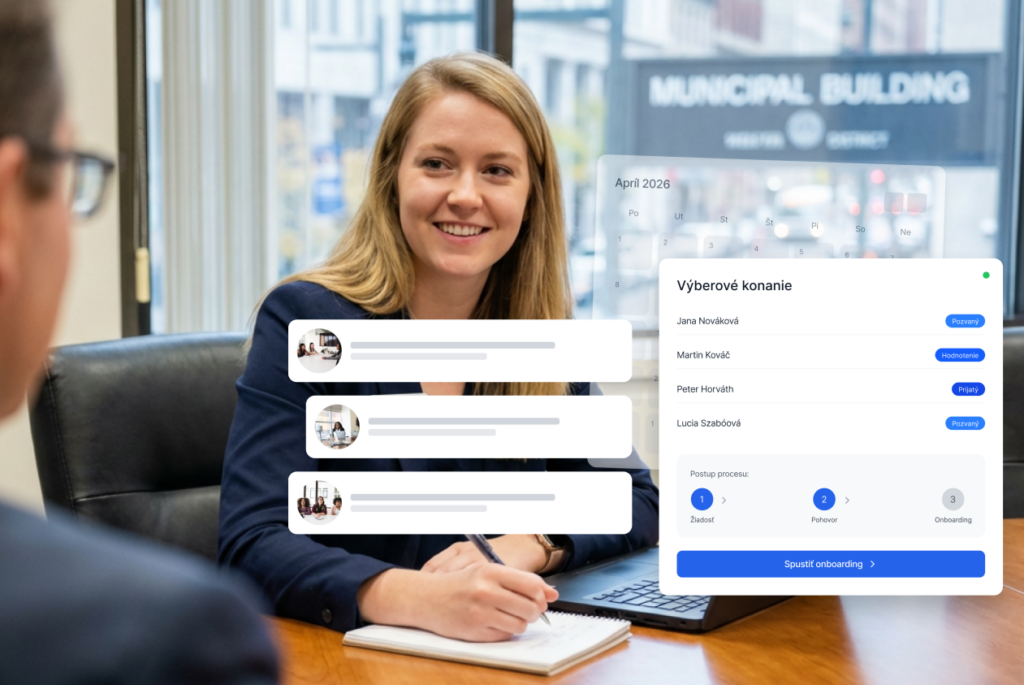
After digitizing the selection process, the entire process looks different. Applications arrive in one central system. The committee evaluates candidates in one place, compares them, and tracks the status of each applicant in real-time. Interview invitations are sent out automatically. The documents are stored in an organized manner and accessible to anyone who needs them.
And once the selection is complete, the system smoothly transitions into onboarding. The new employee receives everything they need… access, documents, tasks… all without anyone having to remember or scramble at the last minute.
Order in HR: vacation calendar and request tracking
They say HR is the heart of every organization. In many offices, it's more of a source of constant questions, confusion, and unnecessary administration. We want to change that.
Vacations and business trips
An employee wants to go on vacation. In a traditional office, this means an email to the manager, the manager writes it down in a spreadsheet, the spreadsheet is saved somewhere, and a month later, nobody knows if the vacation was approved or not.
In the digital system, it takes two minutes. The employee submits the application, the manager receives a notification, approves it with one click, and the system automatically updates the absence overview. Management can see at any moment who will be absent and when, without phone calls, without rewriting, without confusion.
Business trips work the same way. An employee plans their trip in one system, gets the necessary approvals, and submits the request. No papers, no messy messages. Everything in one place, clearly and visibly.
Attendance and tasks
Who is working from home today? Who is on vacation? What tasks does each person have on their desk and when do they need to be completed? These are questions that are asked daily in offices, and the answers are sought in various places.
The central attendance and task system gives an immediate response. Each employee sees what needs to be accomplished. Each manager sees the current status. Management has an overview across the entire office without having to call anyone.
And when it's visible who is doing what, the city's favorite game stops working: „Guess who was supposed to do it.“
Car rentals and fleet management
Managing cars at the office might seem simple... after all, there are only a few. The reality is different. Who has the keys right now? Is the car available tomorrow morning? When is it due for its technical inspection? These seemingly small questions take up time every day, and without a system, it's easy to slip into unnecessary chaos.
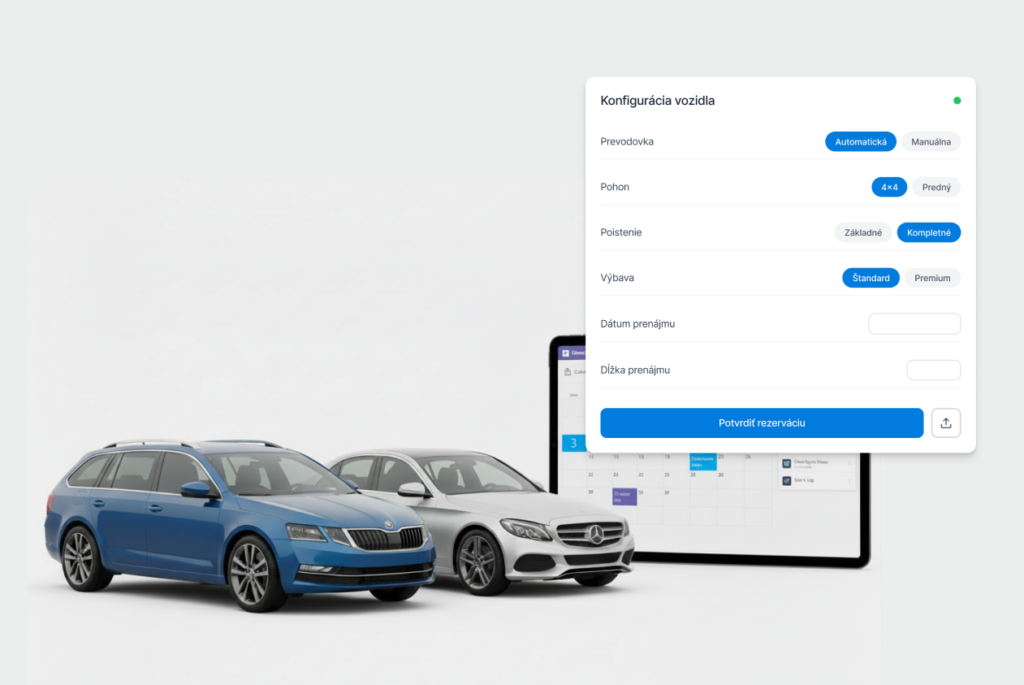
Digital fleet management solves everything at once. Each vehicle has its own card in the system – technical parameters, driving history, inspection deadlines. Every booking is recorded, so you know exactly who has the car and for what purpose. No arguments over keys, no surprises in the form of missed technical inspections, no confusion about where the car actually is.
Cities that have implemented this system, You'll feel the difference immediately and not only okay, but also in trust between employees and management. When everything is transparent, problems simply don't arise.
Why it really works, and why right now
You might be thinking: this all sounds good, but implementing new systems is time-consuming, expensive, and people resist it. You're right, if we were building something completely new. We're not.
All our solutions are built on Microsoft 365, which your employees already use every day. SharePoint, Teams, Outlook – this isn't foreign software. It's an environment they know. We'll set it up so it finally works as it should.
No lengthy training. No resistance to change. People work where they've always worked, just much more efficiently. And the results? Less administration. Fewer errors. Fewer unnecessary meetings. More clarity, more confidence, and teams that finally know what's expected of them.
An office with a single source of truth doesn't get lost in chaos. Instead, it manages proactively rather than constantly putting out fires caused by outdated data and duplicated work.
Share post
Article content
Do you know where exactly you're wasting time and money?
Launch our NONSENSE SCANNER. In 3 minutes, you'll find out how much precious time and money you're actually burning on unnecessary operations.
We use technologies such as cookies to store and/or access device information to provide the best experience. Consenting to these technologies will allow us to process data such as browsing behavior or unique IDs on this site. Not consenting or withdrawing consent may adversely affect certain features and functions.
Functional
Always active
Technical storage or access is necessary for the legitimate purpose of enabling the use of a specific service explicitly requested by the subscriber or user, or solely for the purpose of transmitting a communication over an electronic communication network.
Preferences
The technical storage or access is necessary for the legitimate purpose of storing preferences that are not requested by the subscriber or user.
Statistics
Technical storage or access that is used exclusively for statistical purposes.A technical storage or access that is used exclusively for anonymous statistical purposes. Without a subpoena, voluntary compliance by your Internet Service Provider, or additional records from a third party, information stored or retrieved solely for this purpose can usually not be used to identify you.
Marketing
Technical storage or access is necessary to create user profiles for ad serving or user tracking on a website or across multiple websites for similar marketing purposes.