
Companies

Running a company via Excel and emails?

Nonsense

Do you have Microsoft 365? Then you have the power to accelerate your business. Unify teams, automate routines, and make data-driven decisions.
Stylized illustration of a web browser window with a logo, dots on a timeline, and a grid, partially overlaid with a faint bar chart symbolizing business digitalization. The bottom of the image fades into a white background.

Why doesn't it make sense to pay for 10 different apps?

For every problem in your company, you have different software. Tasks, chat, vacations, and file sharing. Your employees are confused, and you're paying double.
What do companies typically do
Dear integrations
Do you want to connect them with MS 365? Prepare for high fees and technical limitations.
Weak security
Common platforms do not meet corporate protection standards. Your sensitive data is at risk.
After the growth
The company grows, the app can't keep up. The result? More money for a forced migration.
Zero automation
Web platforms are designed for website creation, not internal processes. They will only slow down your work.
Your application in SharePoint
A colorful, gradient ribbon shape forms a loop with a black rectangle in the bottom right corner, containing bold white text spelling out M365, symbolizing the digitization of processes and the performance of Microsoft 365 services for businesses.
Natural connection
Teams, Outlook, OneDrive. Everything works together, without complicated programming in MS 365 and SharePoint.
Microsoft Security
World-class data protection and access control. No compromises.
Unlimited growth
The platform adapts to your company's size at no additional cost for relocation.
Dear integrations
With our framework, we can automate even what a regular website can't handle.

Certified experts.
No trial and error.

200+

Digitized processesfor companies, municipalities, and organizations.

30

Days until first results.We deliver fast, no excuses.

8

Market trends.We are a rapidly growing company awarded in Deloitte Fast 50.

Business SolutionsImmediately and to measure.

We have ready-made modules that will speed up your startup. However, our greatest strength is the creation of intelligent workflows precisely according to your company rules.
A blue chat bubble icon with two white horizontal lines in the center, resembling an equals sign, on a light background.
Satisfaction questionnaires and reporting

Blue speech bubble icon with two white horizontal lines in the center, resembling an equals sign, on a light gray background.
Satisfaction questionnaires and reporting

Blue rounded square icon with a white horizontal stripe at the top and five white dots arranged in two rows in the center, resembling a calendar or scheduling app logo.
Vacation and Absence Calendar
Rounded blue square icon with a white horizontal line at the top and five white dots arranged in two rows below it, resembling a stylized calendar or app interface.
Vacation and Absence Calendar
Stylized digital calendar interface with colorful lines representing events - ideal for digitization processes. The design features a blue header and typical window control buttons in the top left corner.
Blue icon showing a car with a large clock above it, representing scheduled or time-bound transportation, such as a car or ride reservation.
Car and Equipment Booking System
A blue car icon with large clocks above its rear, symbolizing time or a scheduled trip, or perhaps representing car rental, trip planning, or transportation services.
Car and Equipment Booking System
Illustration of a web browser window displaying a grid layout with car icons and sliders above them, suggesting digital car search processes or a filter interface. A minimalist design in blue and white emphasizes modern business solutions.
A blue icon with rounded edges resembling two overlapping folders or documents, with one folder slightly behind and above the other, on a light gray background.
Support ticket
Blue icon with three overlapping rectangles with rounded corners, representing documents or folders against a light gray background.
Support ticket
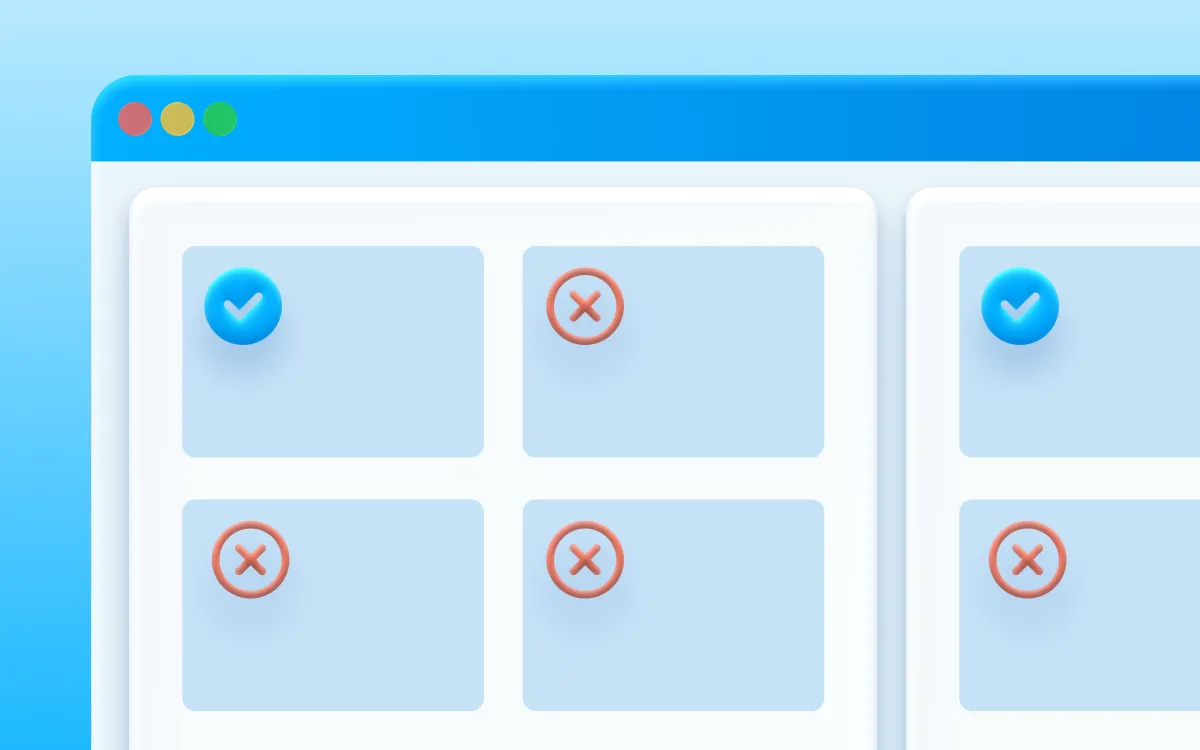
The digital interface depicts solutions for businesses: a grid of four squares - three marked with a red X, one with a blue checkmark - symbolizes simplified options. A side column highlights a successful outcome. The blue and white background evokes business digitalization.
Logo with five blue rounded rectangles arranged vertically and horizontally on a light gray background, forming an abstract geometric design.
Recruitment System
Four rounded blue rectangles of different sizes are arranged on a light gray background, two vertically aligned on the left and two stacked on the right, resembling a minimalist abstract design.
Recruitment System
Turquoise icon resembling a document with two sparkles or stars in the upper right corner, indicating something new, special, or improved within the document.
Evidence of slips and received invoices
A bright blue icon in the shape of a document with two sparkles in the upper right corner indicates something new, clean, or improved.
Evidence of slips and received invoices
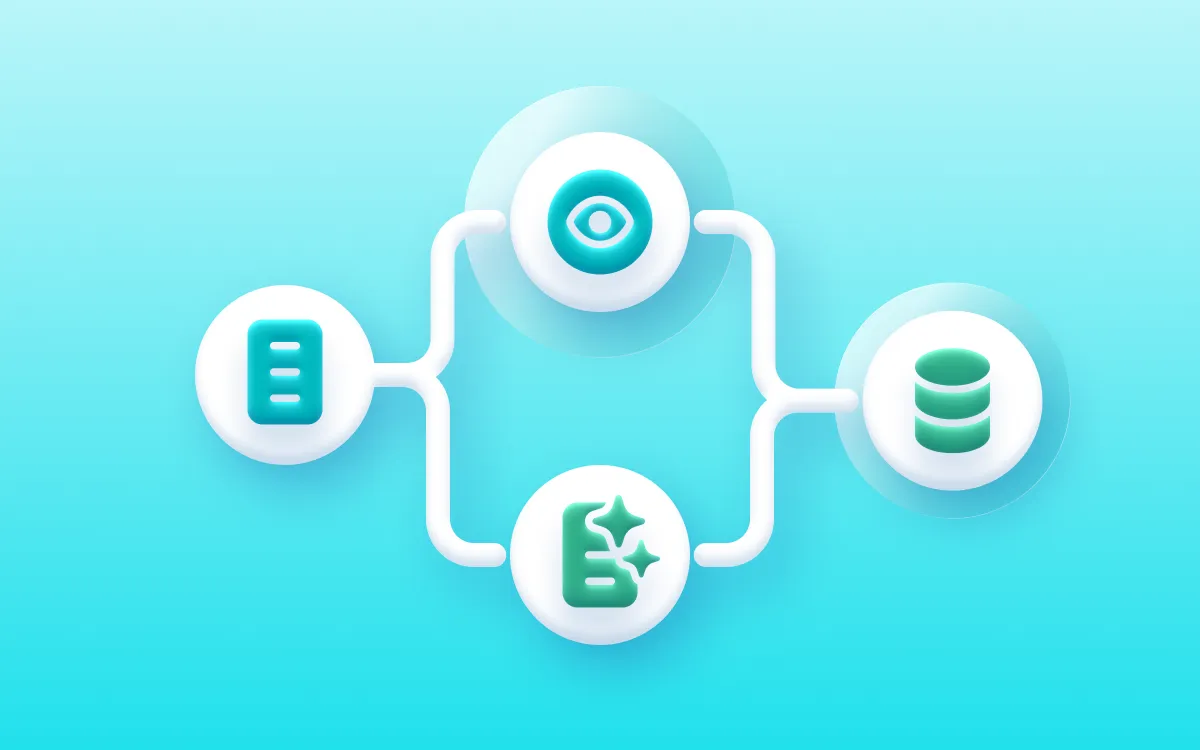
Flowchart with four icons connected by lines: an eye at the top center, a database on the right, a document on the left, and a sparkling list at the bottom - all representing process automation for business digitalization on a blue gradient background.
Simple, stylized blue car icon viewed from the front with circular headlights and two wheels on a light gray background.
Business trip evidence
A simple blue car icon with two round headlights, viewed from the front, on a light gray background.
Business trip evidence
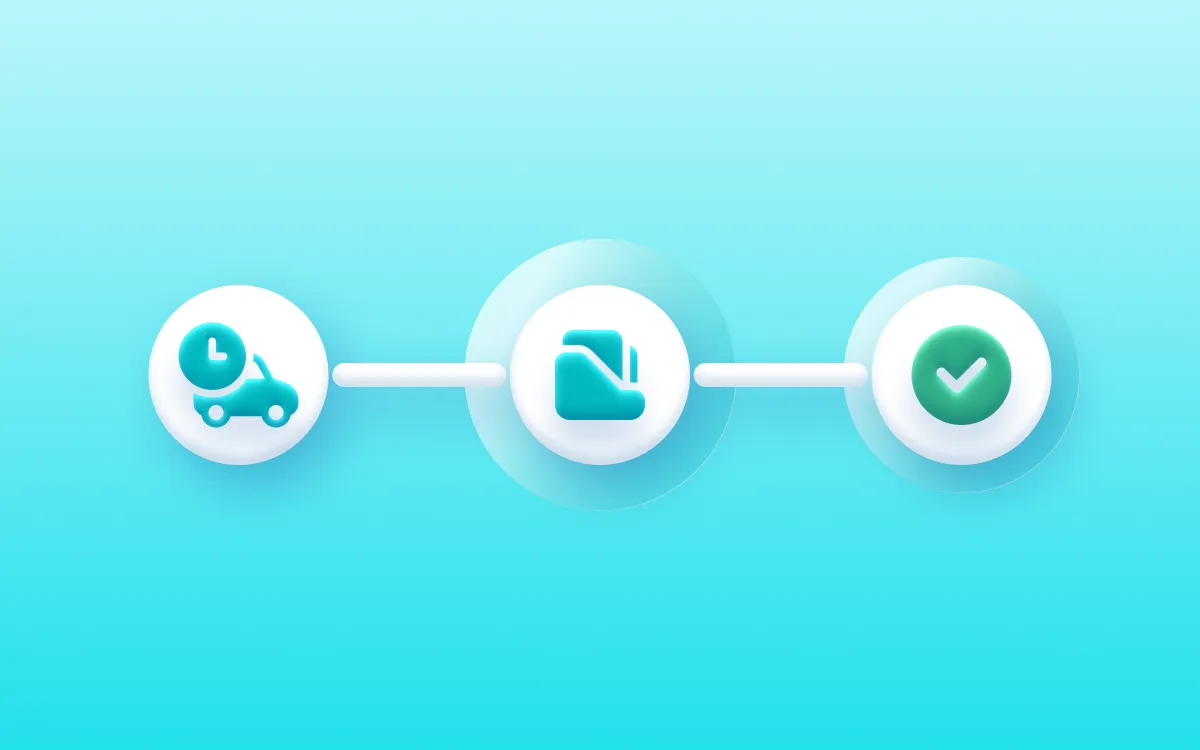
A three-step process diagram with icons of a car and a clock, a fuel nozzle, and a green checkmark, connected by lines on a blue gradient background, illustrating the digitalization of processes to increase workflow efficiency.
A simple blue icon resembling a person with a circular head above a rounded rectangular body on a light gray background.
Customer Evidence
Customer Evidence
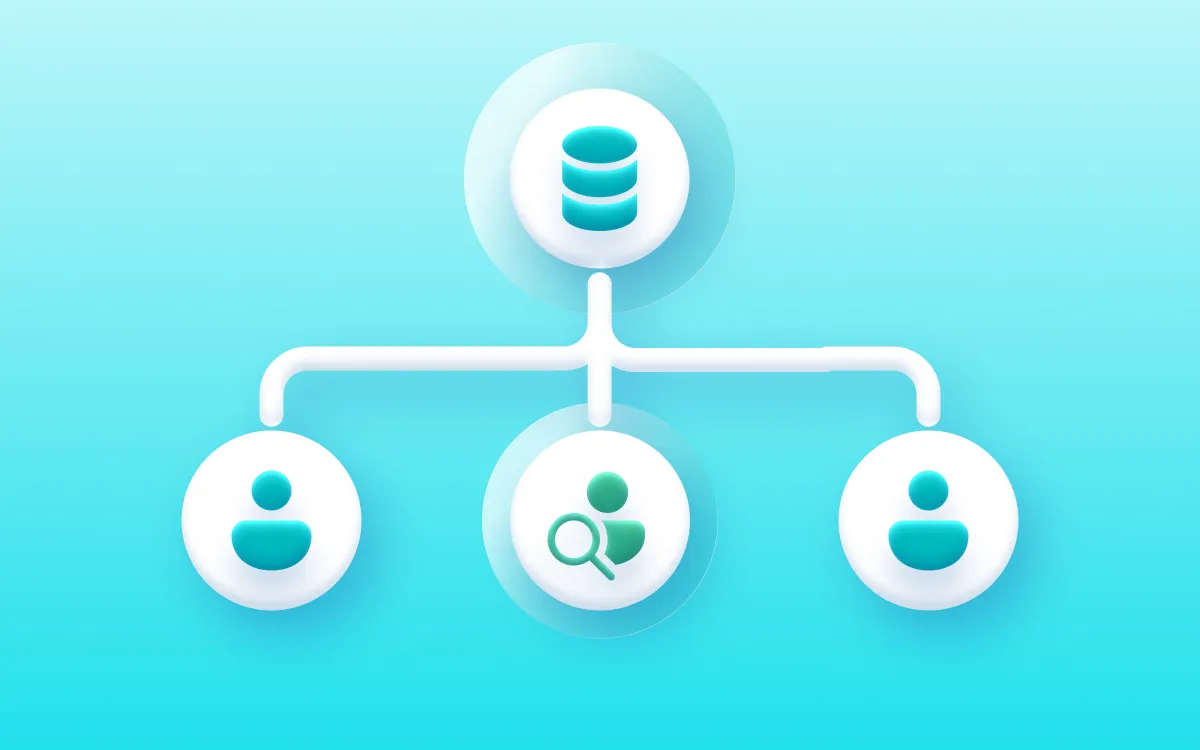
Diagram with a database icon at the top connected by lines to three user icons below, one with a magnifying glass, all on a light blue gradient background - ideal for visualizing digitalization processes or solutions for businesses.
Evidence of contracts with digital signatures
Light blue stylized pencil drawing with a wavy line on a light gray background.
Evidence of contracts with digital signatures
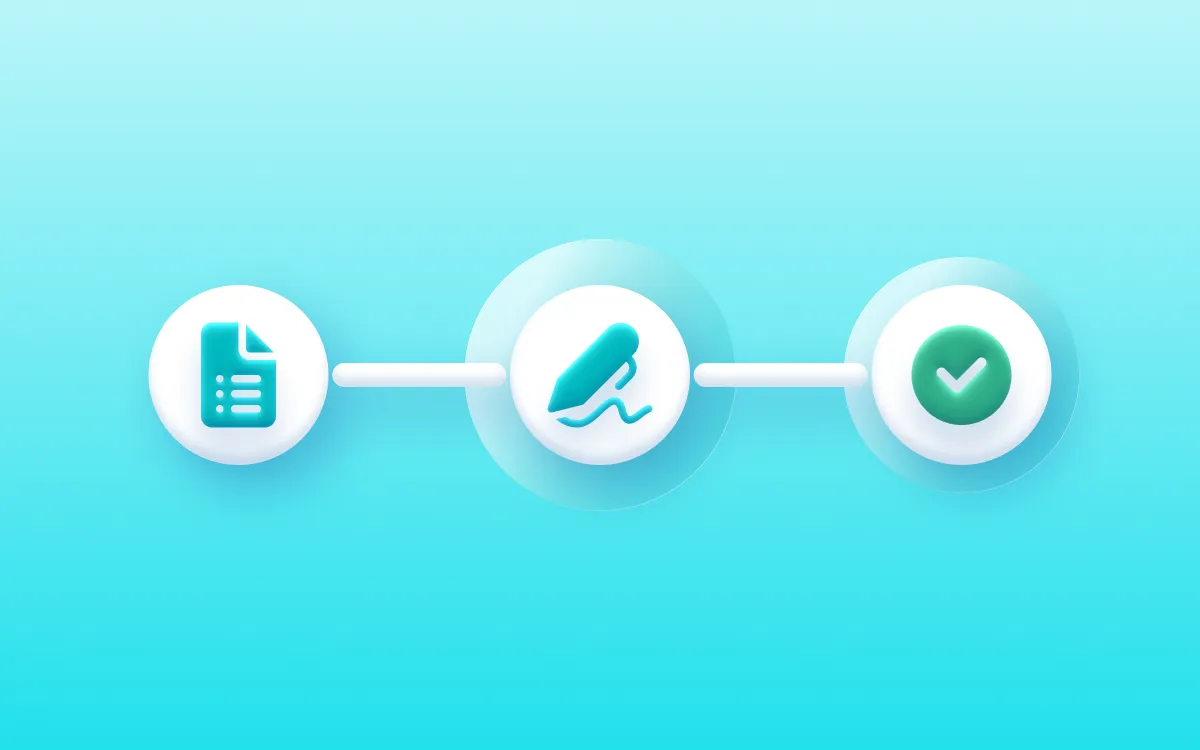
A graphic flowchart with three circular icons - a document, a signing pen, and a green checkmark - connected by lines, illustrating the digitalization of processes and solutions for companies in filling out, signing, and completing a form on a blue background.
Turquoise icon depicting two overlapping rectangles, one larger with a handle at the top and one smaller in front with two horizontal lines, indicating a document or clipboard function.
Comprehensive project management and record-keeping
Blue clipboard icon with an overlay of a document or list, indicating copying or duplicating content.
Comprehensive project management and record-keeping
A simplified flowchart depicts an eye icon leading to a database, which connects to three cluster icons – visually representing process digitalization and process automation across multiple systems.
Ordering Personal Protective Equipment (PPE)
Blue icon depicting a rounded square with a key overlapping its bottom right corner, symbolizing settings or tools.
Ordering Personal Protective Equipment (PPE)
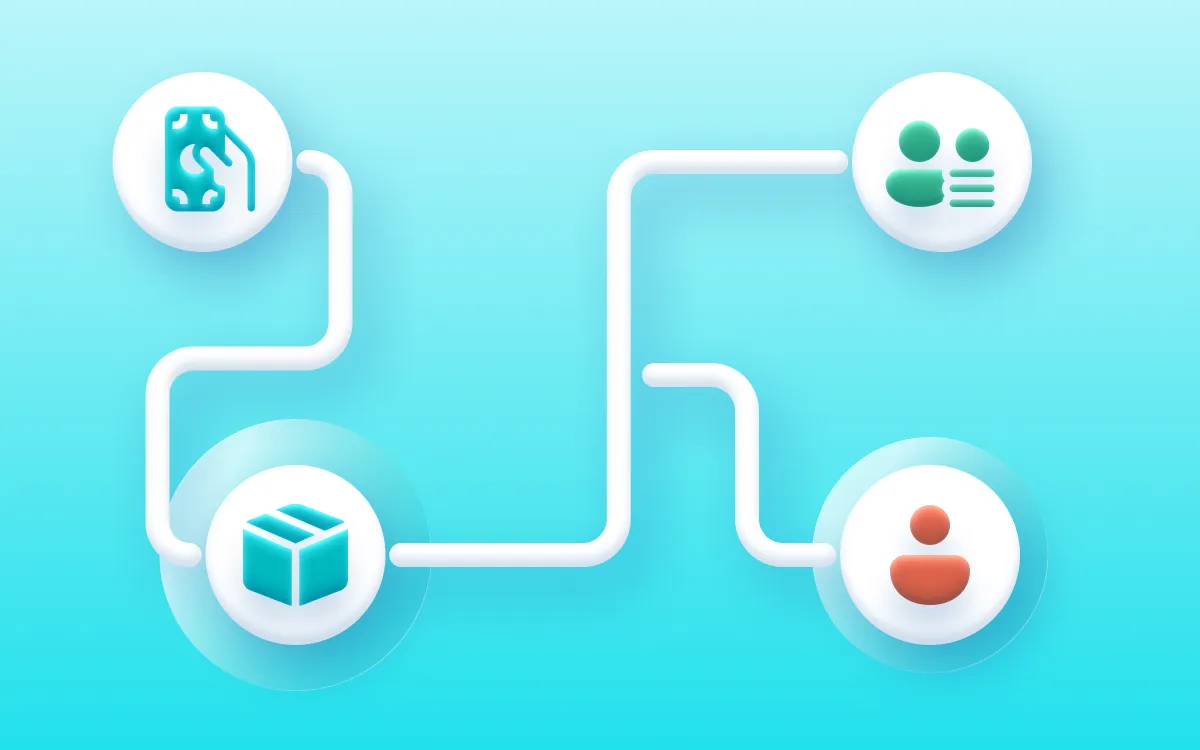
A flowchart with four icons connected by white lines - a hand holding money, two people, a box, and one person - depicts the digitalization of solutions for businesses on a blue gradient background.
Teal square with two vertical white stripes and a circle overlapping the bottom right corner, with a white checkmark inside the circle.
Employee onboarding and HR processes
Turquoise blue icon with a stylized bar chart and a large checkmark in front, symbolizing approval or successful analysis.
Employee onboarding and HR processes
The central icon of a sparkling document connects with four surrounding icons - a person, a chat bubble, a folder, and a checkmark - symbolizing Microsoft 365 for business and process automation, set against a blue gradient background.
Blue bell icon with a circular dot in the upper right corner on a light gray background.
Request Approvals (Vacation, IT Equipment, Goods)
Light blue bell icon with a circular dot in the upper right corner, symbolizing a notification alert, on a light gray background.
Request Approvals (Vacation, IT Equipment, Goods)
Flowchart with four circular icons connected by white lines on a blue background: a chat bubble, a monitor, a red X, and a green checkmark - depicting business process automation or digitization in action.

Digitalization will save
your company's money

Read real stories from companies across various industries like construction, manufacturing, technology, finance, healthcare, and services, whom we've helped set up processes that finally make sense.
A solid rectangle filled with a vibrant yellow color, symbolizing the energy and clarity brought by process digitization. No patterns, text, or other elements are visible.

Analysisprocesses

First, we will understand in detail how you work today. We'll show you exactly where you're wasting precious time and money. We'll ruthlessly clean up anything that doesn't make sense.
A solid rectangle filled with a vibrant yellow color, symbolizing the energy and clarity brought by process digitization. No patterns, text, or other elements are visible.

Design and development solutions

We reliably revitalize processes directly within the Microsoft 365 platform. We will implement automated workflows without disrupting your operations. We will deliver the first results to you within 30 days.
A solid rectangle filled with a vibrant yellow color, symbolizing the energy and clarity brought by process digitization. No patterns, text, or other elements are visible.
A smiling woman in a green sweater holds an open laptop. Colorful chat bubbles and a yellow circle icon suggest a bright, digital, and friendly atmosphere – ideal for showcasing Microsoft 365 or a custom CRM to support process digitization.

Adoptionand support

Handing over a system your people don't know how to use? Nonsense. We'll teach them how to work with it and provide you with full support even after the solution is deployed.

Do you know exactly where you're losing time and money?

Nonsense

Launch our NONSENSE SCANNER. In 3 minutes, find out how much precious time and money you're really burning on unnecessary operations.

What you get:

Quick calculation of hours lost on routine work.
Uncovering hidden bureaucratic pitfalls in your organization.
Specific examples of solutions that make sense.
A young man in a light green checkered shirt smiles, holding an open laptop and looking to the side - he is ready to embrace digitalization with Microsoft 365 on a simple white background.

Are you starting your digital journey?

Here are the answers.

Start where you burn the most time and money. We'll help you uncover it and deliver a comprehensive solution. We'll organize invoices, tasks, records, and contracts into clear processes. We'll create a "single source of truth" where every employee can immediately find what they need.

Almost everyone. From approving vacations and travel orders, through onboarding new employees, to managing projects and CRM. Microsoft 365 isn't just Word and Excel; it's a platform for all company operations.

We can connect your common systems (like ERP or accounting) to MS 365 and extract data from them to where people actually need it – for example, directly into Teams or Power BI. This eliminates unnecessary manual retyping and errors.

Of course. We won't have you starting from scratch. We will securely transfer your existing data, folders, and documents to a new, organized environment in the cloud so that you don't lose a single byte and can continue working seamlessly.


Let's leave theories to others. We write what works.

No IT jargon or PR fluff. Just real guides for Microsoft 365 and tips on how to cut bureaucracy from your company.
On a wooden table next to a candle, a glass, books, and a decorative plant lies a laptop with the Copilot application open. The word „opium“ appears in the bottom right corner.
AI
9 minutes
readings

New Copilot Features in SharePoint: Tips, Tricks, and Practical Real-World Scenarios 

If you've been following the development of AI for a longer time, just like us, and you're familiar with Copilot, then in our previous article, we already looked at how it can function as an everyday assistant for content work. However, things have progressed since then, not with one wow feature, but with a number of practical improvements that are starting to be noticeable, especially in regular workdays. We'll introduce you to 5 useful features that are gamechangers in daily work life. In other words, Copilot is already [...]

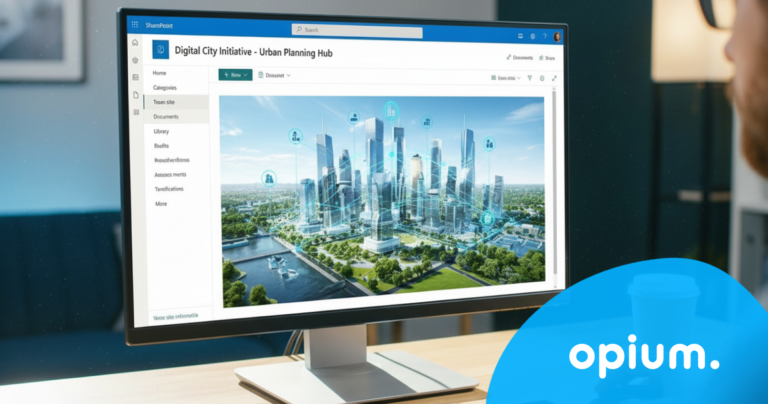
A person is looking at a city planning digital interface on a desktop computer monitor, which displays a futuristic city model with icons in the workspace. In the bottom right corner, the word opium is displayed in a blue circle.
Digitization
7 minutes
readings

If cities stopped putting out fires: 3 solutions that save them hundreds of hours today

Imagine a Monday morning at the city hall. The department head opens their laptop, needing to check the status of an investment project. They start searching through emails. Then they call a colleague. The colleague sends an Excel file – but it's not the right one. A third attempt. Fifteen minutes gone. And the project is still not clear. This is not an exception. This is the daily reality for most Slovak municipalities. In our experience, the average [...]
Two men in chef hats and casual jackets stand smiling indoors by a metal railing. In the bottom right corner is a blue graphic with the word opium.
Case study
4 minutes
readings

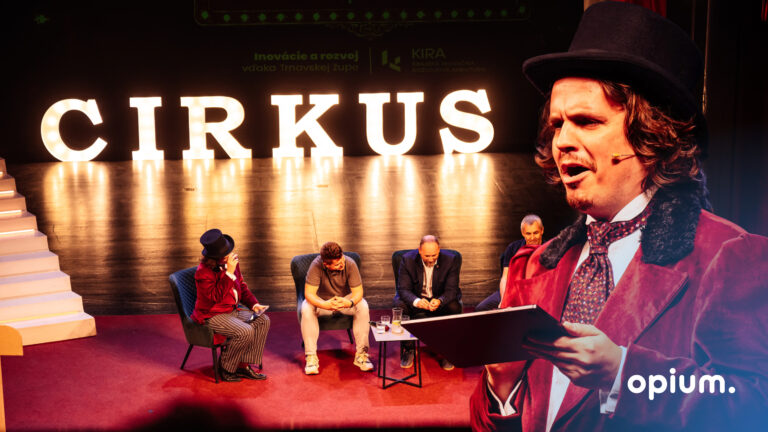
How to set up a Digital Workflow?

At Opium.systems, we love innovation, and sometimes we even „cook“ it up. One of our most unique activities, which we recently implemented at the Slovak Savings Bank's business conference, BIKOSS 2025, is the cooking show „How to Cook a Digital Workflow.“ Why did we have a cooking show, anyway? During typical digitization training or workshops, the human experience is often lacking – processes, workflow mapping, and automation are [...]

A man in glasses and a striped shirt is sitting at a desk, working on a computer in a modern office with plants and round blue walls. In the bottom right corner, the word "opium" is displayed in white text on a blue background.
AI
5 minutes
readings

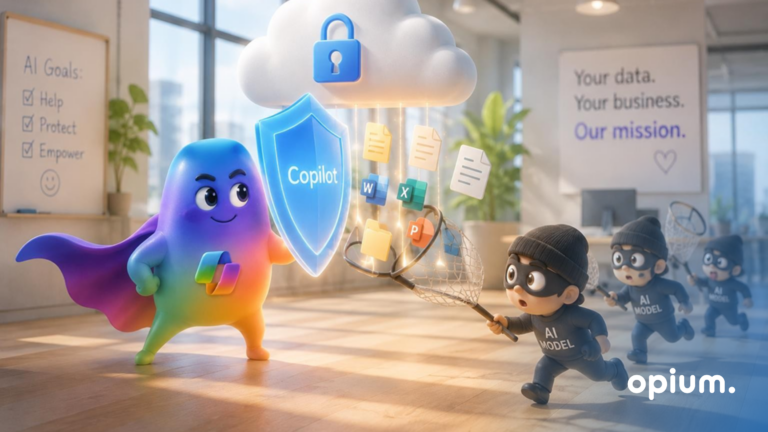
AI Agent Security - How Not to Let Your Copilot Sniff Out Your Secrets 

AI agents are like Swiss Army knives in the digital world. They can read, write, connect data, send notifications, automate workflows... if you set them up correctly, they won't even forget your boss's birthday. But in the wrong hands, or without oversight? They could accidentally reveal sensitive information, modify the wrong record, or trigger a process that wasn't supposed to be released yet. Their deployment can be either a win, [...]

Let's get to the point.

Do you know exactly what's holding your organization back?
Leave us your contact information and we will get back to you within 24 hours.
grant consent to the privacy policy*
Write to us anytime
ahoj@opiumsystems.sk
Call us directly
+421 911 209 609