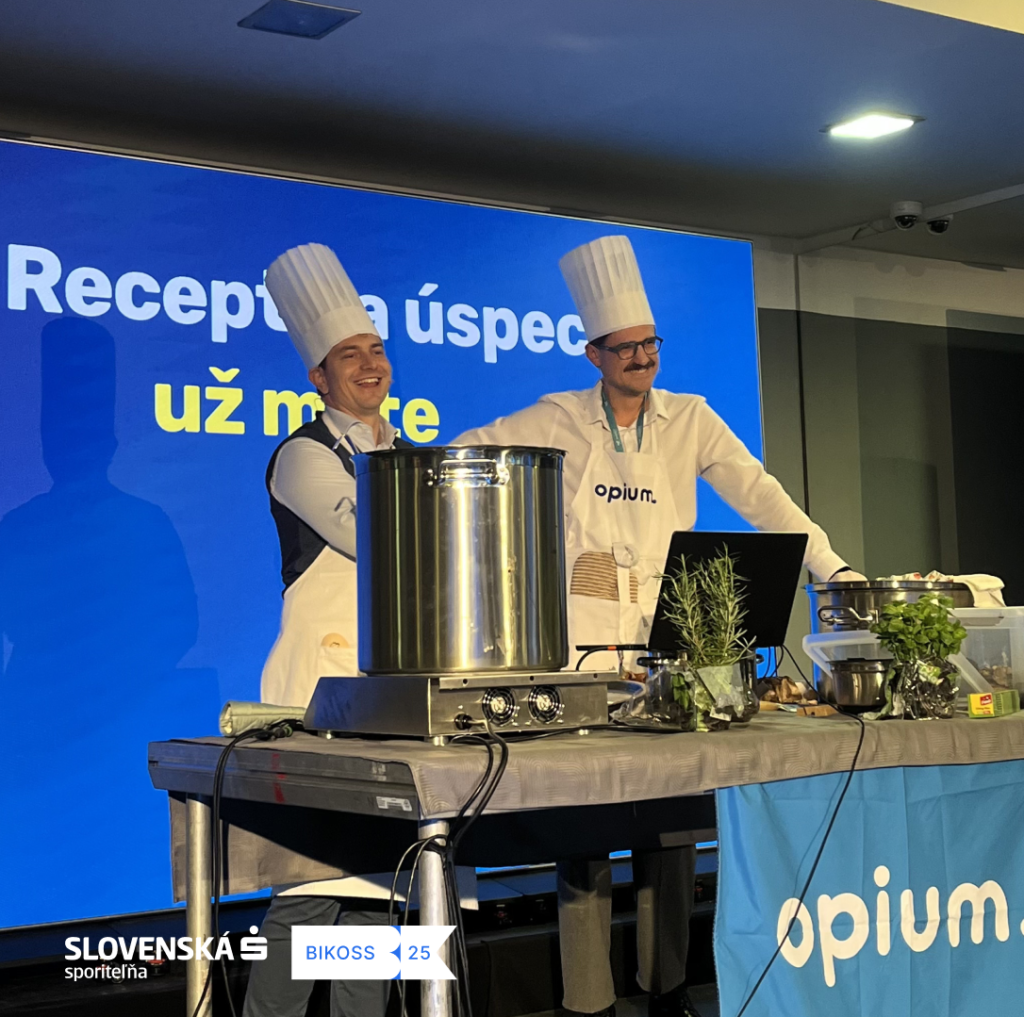
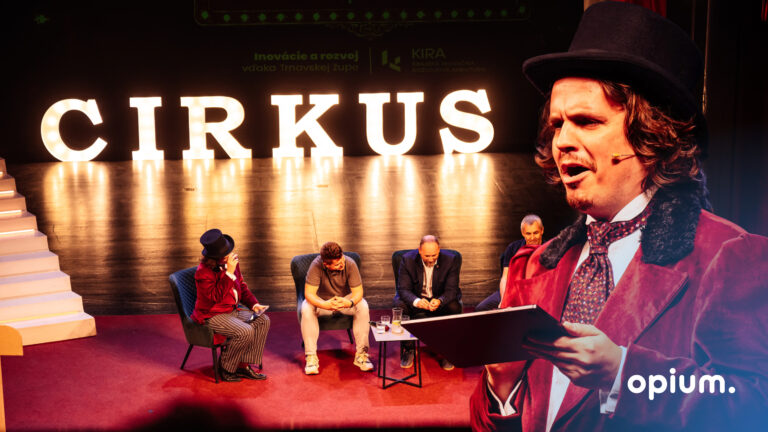
At Opium.systems, we love innovation, and sometimes we even „we will cook“One of our most unique activities, which we recently carried out at the Slovak Savings Bank business conference, BIKOSS 2025, is cooking show „How to Design a Digital Workflow“.
Why did we actually do the cooking show?
During typical digitization training sessions or workshops, the human experience is often missing – processes, workflow mapping, and automation are fine, but they aren't always memorable. We decided: What if, besides the boring theory, we showed the audience a show? What if digitalization „We'll cook up“...like food that is cooked and then tasted live on stage in front of an audience?
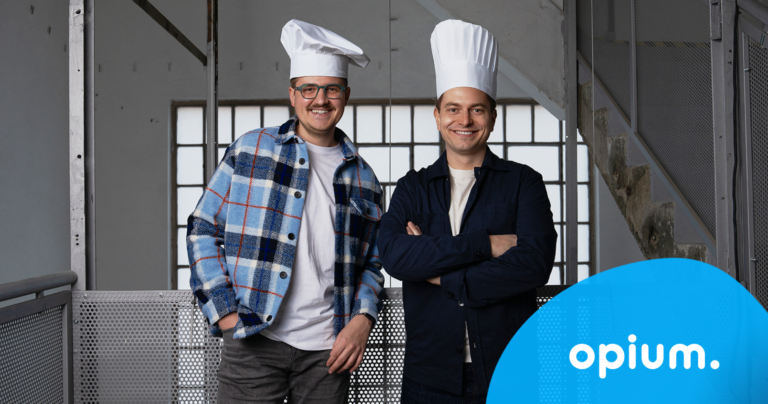
This is how our pilot proposal was created: interactive event, where Matúš and Samo (two developers) turned office order and Microsoft 365 tools into a kitchen template. The result? Participants truly enjoyed ramen, talked about workflows in companies and at the same time learned, How to streamline processes in your company.
How did the entire cooking show go?
Ingredients of your digital ramen Instead of paste, we introduced tools like Teams or SharePoint. We showed which ones„ingredients“It's worth having company workflows in your pot and knowing how to dose them correctly. We know that some company processes tend to get tangled. But if you know the right way to handle them, you can manage them elegantly and the processes will suddenly hold together – like noodles.
Food tasting & informal networking During the ramen cooking demonstration on stage in front of an audience, there was a shared ramen meal, discussions, an exchange of experiences, and networking. New ideas emerged in a relaxed atmosphere, and people even happily shared their own „recipes“for corporate processes.
What did we achieve with our cooking show?
We managed to fill the Visa stage and also connect the experience with education in a fun way. The cooking show wasn't just theoretical talk, for instance, in processes „they have to do“, but we also engaged participants with practical guidance.
Solving a workflow with a workshop is nice... but when you cook at the same time, you also create a concrete experience that you'll remember. It's not just about the show, because every process we demonstrated is fully applicable in practice. After the cooking show ends, companies can implement workflows that we not only explained to them but also practically „boiled“.
And what will happen with the cooking show next?
Following the success of the pilot show, we've decided to turn this cooking lecture into a full-fledged product. We offer businesses „How to Create a Digital Workflow“ if team-building, or experiential training or workshop. We can come directly to you, bring components, ingredients (not just culinary ones), and transform an ordinary day in the office into unique experience.
The solution is based on tools that most companies are likely already using: Microsoft 365. No exotic technology is required – just creativity, openness, and taste buds.
Conclusion
At Opium.systems, we believe that digitization It doesn't have to be just dry document approval and task automation. Can to to experience, where people learn, collaborate, and have fun. At the same time, however, they leave with concrete solutions that they can implement in their company immediately after the workshop.
If you're interested, feel free to contact us. We'd be happy to We'll cook up proper digital workflow.
Share post
Article content
Do you know where exactly you're wasting time and money?
Launch our NONSENSE SCANNER. In 3 minutes, you'll find out how much precious time and money you're actually burning on unnecessary operations.
We use technologies such as cookies to store and/or access device information to provide the best experience. Consenting to these technologies will allow us to process data such as browsing behavior or unique IDs on this site. Not consenting or withdrawing consent may adversely affect certain features and functions.
Functional
Always active
Technical storage or access is necessary for the legitimate purpose of enabling the use of a specific service explicitly requested by the subscriber or user, or solely for the purpose of transmitting a communication over an electronic communication network.
Preferences
The technical storage or access is necessary for the legitimate purpose of storing preferences that are not requested by the subscriber or user.
Statistics
Technical storage or access that is used exclusively for statistical purposes.A technical storage or access that is used exclusively for anonymous statistical purposes. Without a subpoena, voluntary compliance by your Internet Service Provider, or additional records from a third party, information stored or retrieved solely for this purpose can usually not be used to identify you.
Marketing
Technical storage or access is necessary to create user profiles for ad serving or user tracking on a website or across multiple websites for similar marketing purposes.