Are invoices piling up on your desk, order documentation basically missing, and colleagues using various tools to process and record data? Business in the 21st century requires a modern approach. That's why we've selected the best services and applications from Microsoft 365 for you – the perfect assistant for your company.
Content
A tried and true friend, someone you can rely on
Who wouldn't know the most famous word processor? We are all probably familiar with Word's features. But what many don't realize is that it also works with third-party applications. Thanks to this, you can customize this tool to the fullest, and when combined with the Microsoft 365 ecosystem, it has no competition. Discover all the applications and services it works excellently with.
Teams – Full-fledged online communication
A digital space where people, content, conversations, and applications are comfortably connected has gained popularity, especially during the home office era. Through Teams, users can upload and download files, work with applications, and communicate with other people. Video calls and conferences can be easily scheduled and synchronized. You can also create separate rooms, not to mention excellent compatibility with Windows, Android, and iOS, and support for Mac.
SharePoint – the intranet of the future
The cloud-based service allows you to create, design, and manage websites, content, and workspaces. It also offers secure document sharing with team members via mobile devices, computers, and Apple devices.
You can easily use SharePoint as a well-optimized corporate intranet. It also allows you to create custom applications for any company – such as order, complaint, or ticket tracking. The applications are fast, work on any device, and will help you improve your processes. Opium Systems We specialize in developing applications for SharePoint.
OneDrive - Evidence of files in one place
We refer to OneDrive as SharePoint's cousin. It's like its private version, where users share files that team members can access from anywhere and on any device. Files can be shared using links and permissions, allowing multiple people to work on them simultaneously. Hundreds of versions of each document are stored in the cloud by default. Additionally, you can sync files to your computer and mobile.
Excel – Clear Tables and Charts
Excel allegedly rules the world. We believe it rules at least departments in your company. It should, at least. It can analyze collected data and transform it into functional and elegant graphs. And that's just the beginning of its countless features. An advantage is that if you have files stored on OneDrive or SharePoint, you'll have access to them from anywhere.
Outlook – a secure inbox for everyone
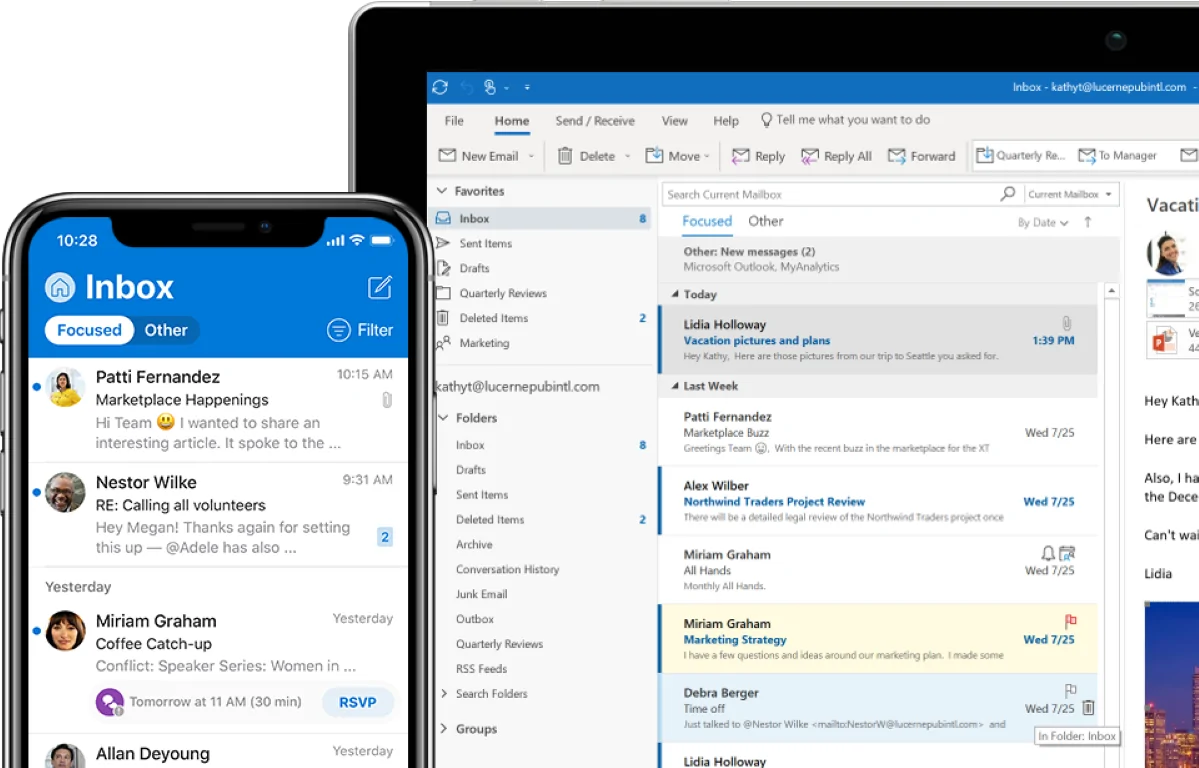
Microsoft Outlook powers businesses around the world. Although primarily designed for email management, it also includes a calendar and tasks, which every employee will appreciate as part of the integration with the 365 ecosystem. Schedule a meeting via Teams and Outlook will immediately synchronize calendars with your colleagues. State-of-the-art security is a given, and you don't have to worry about backups either. This is because it is fully automated.
Exchange – uniting email and calendar
Integrating email service and calendar has numerous advantages. This tool manages emails on behalf of the entire organization and sees the status of colleagues. This allows it to automatically suggest meeting times that suit them. After deploying SharePoint, it also allows for the creation of a group email. Exchange is highly scalable because it is located on the Microsoft 365 cloud server.
Power BI – convenient work with existing data
Microsoft's cloud technology allows for easy analysis, recording, and visualization of existing data. You can conveniently pull data from Excel, SQL servers, or Access. You can then present the data in visually engaging and interactive reports or dashboards. What's great about Power BI is that you don't need to have data analytics knowledge; visualizations can also be exported as PDF files.
Planner – perfect coordination and teamwork
If you're looking for a simple and visually appealing way to organize teamwork, you've just found it. You can use Planner to manage projects, organize and assign tasks, oversee tasks, set deadlines, or get up-to-date information on their progress. The tool is also great for brainstorming new ideas or projects. In addition, the clear mobile app allows users to update their plans anytime and anywhere.
To-Do – So you'll never forget anything again
In many ways, this application is similar to Planner, but To-Do primarily targets individual users. Task lists can be shared, and you can break them down into steps, add deadlines, and set reminders. By connecting with Outlook using artificial intelligence, it can scan the content of emails and create specific tasks from them. To-Do is visually clear, so you can easily jot down things like shopping lists. Thanks to seamless synchronization, they won't get mixed up with work duties.
Lists – the end of colorful sticky notes on monitors
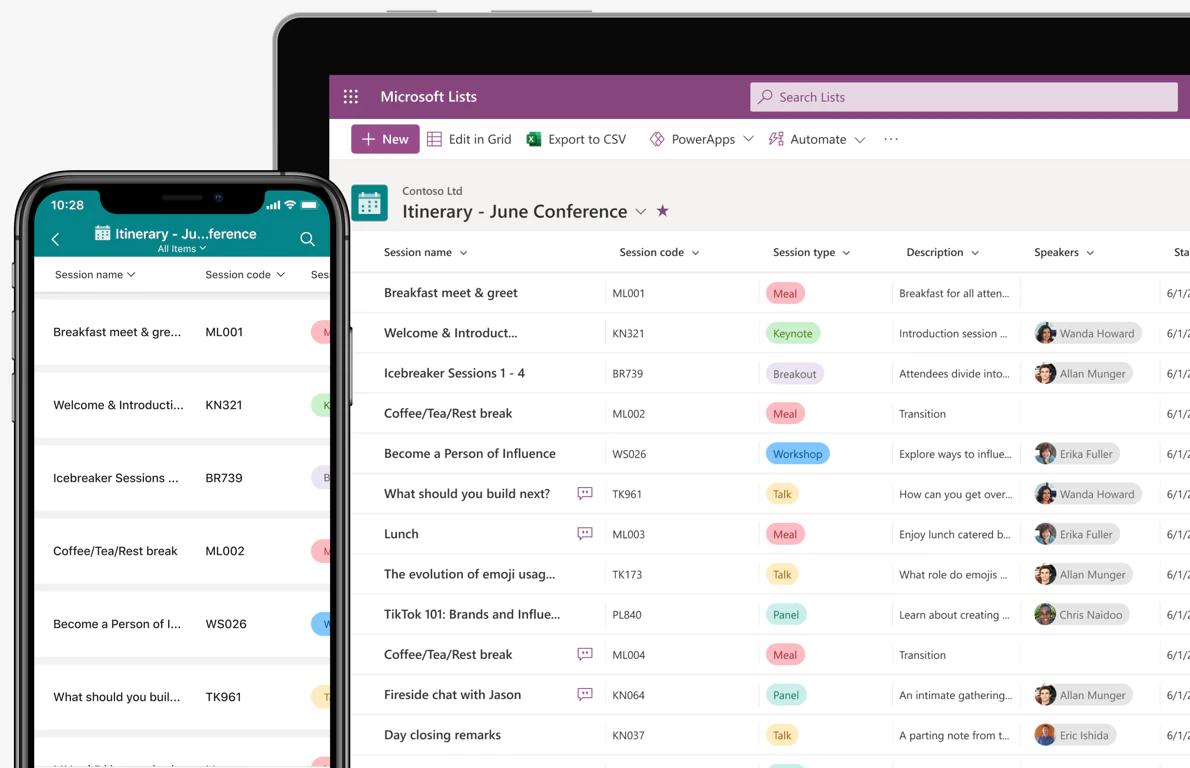
The configurable List application allows you to track tasks and processes and assign activities to colleagues. You can either create your own custom list or start with pre-made templates that you can modify precisely to your needs. You can add columns to capture data with the option to export to Excel. You decide whether these will be numbers, dates, times, or entire rows.
Power Automate – Workflow Automation
Automation, automation, automation. These are the three fundamental pillars of efficient work. The Power Automate service will be a great assistant to you. No coding is required when using it, and it also works well with external services. Business analysts and experienced developers can thus work side-by-side. And it doesn't matter whether it's about automating emails, notifications, copying files between sources, synchronizing files, or collecting data from one service and saving it to another.
Stream – Enterprise YouTube Level
Would you like to send a video message to the entire company, create training, or introduce your department to other colleagues or the world? Get acquainted with Microsoft Stream – your personal company YouTube channel. You can upload videos of various formats and focuses to it. If someone happened to miss a meeting on Teams, you can easily upload a recording of the video call to Stream. This way, you can present your company to clients and the public at a top-notch level.
Bookings – a secretary who never tires
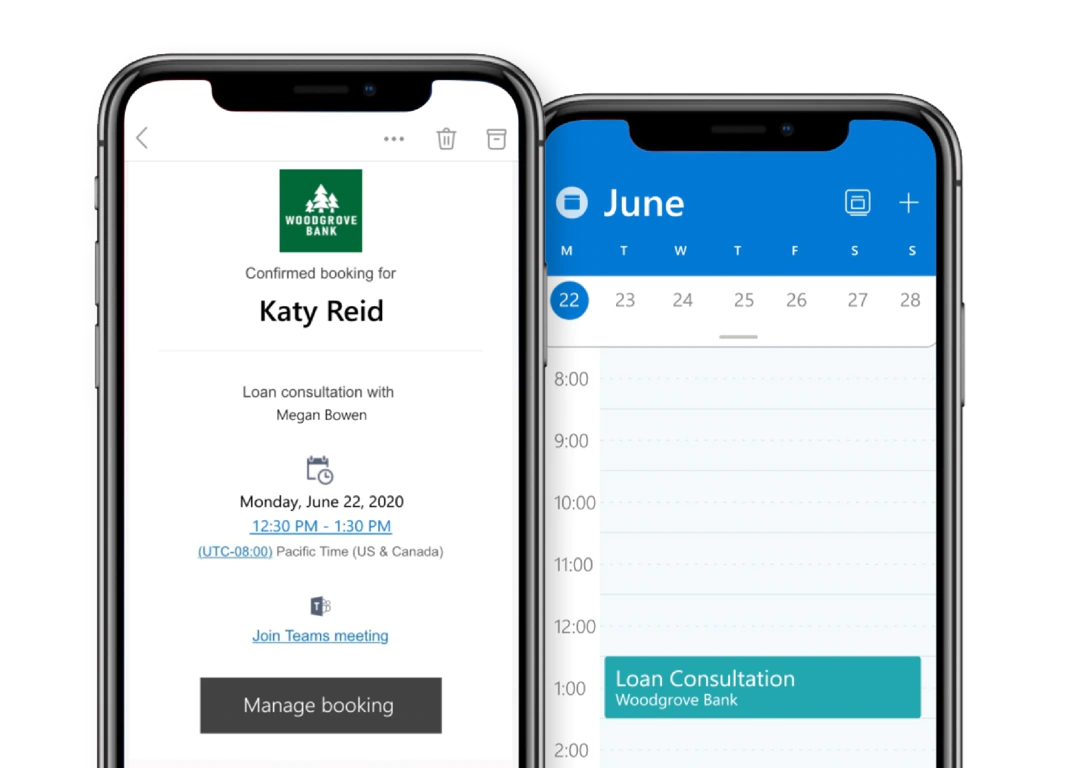
The constant ringing of the phone and answering emails while scheduling meetings is nobody's favorite task. Bookings can handle it for you, no coding required. It allows customers to schedule meetings with you online, as well as easily through the mobile app. The app connects to your calendar, allowing for clear date and time selection. The icing on the cake is that if bookings are for an online event, the app connects to Teams and automatically creates a link for each one.
Virtual Agents – No-Code Chatbots
Whether you want to inform your employees or customers, with Virtual Agents you can quickly and easily deploy intelligent chatbots tailored to your needs. You don't need to know how to code to create and manage them. The graphical interface, easy-to-use components, and branching logic allow you to create a chatbot from scratch, while also testing it before deployment. You can extend the tool's usefulness by connecting workflows from Power Automate.
Forms – feedback, room for improvement
Is your team satisfied? What about customers or clients? Get valuable feedback and move forward. With Forms, you can create your own surveys, polls, and quizzes that you can share with colleagues or clients. Forms are easy to create and edit. Before publishing, you can send it to colleagues who still have the opportunity to incorporate final comments. Of course, it integrates with Excel for better data management and work with it.
Everything under control with Microsoft 365
There are many useful apps on the market, but most of them don't support each other. As a result, companies use various tools for communication, organization, online calls, file sharing, task assignment, or sending invoices. They often overpay tens to hundreds of euros – and completely unnecessarily.
With Opium Systems solutions, you will digitize your records so that you have an overview of everything that is happening, has happened, or will happen in your company. The Microsoft 365 ecosystem is the ideal solution for modern businesses that value secure and understandable record-keeping. If your business has a specific focus, besides the aforementioned, you will certainly appreciate tools such as Power Apps, Publisher, Power Point, Yammer, and My Analytics.
Don't worry about the system changes. We will help you transition to Microsoft 365, including migration and adoption preparation. We will train new users in your company or design and implement solutions tailored to your needs. There are many possibilities, just dive in headfirst!