Low-Code and No-Code: When Little Programming Yields Great Results
May 20, 2026
5 minutes
Readings
Great results, fantastic efficiency, minimal effort. These kinds of successes are perhaps the sweetest for us IT folks. Low-code and no-code approaches have become a kind of developer's treasure in the IT world, opening the door to faster and more efficient application creation. If you haven't caught on to what we're talking about yet, we'll introduce you to these programming hacks.
They're actually quite simple solutions; you don't need to be a tech guru to understand their essence. (Did we just hear some sighs of relief?) Low-code allows for application creation with minimal programming, while no-code does it without any coding at all. How?
Low-code is like coding part-time – programmers don't code every detail, but use great tools that make their lives easier.
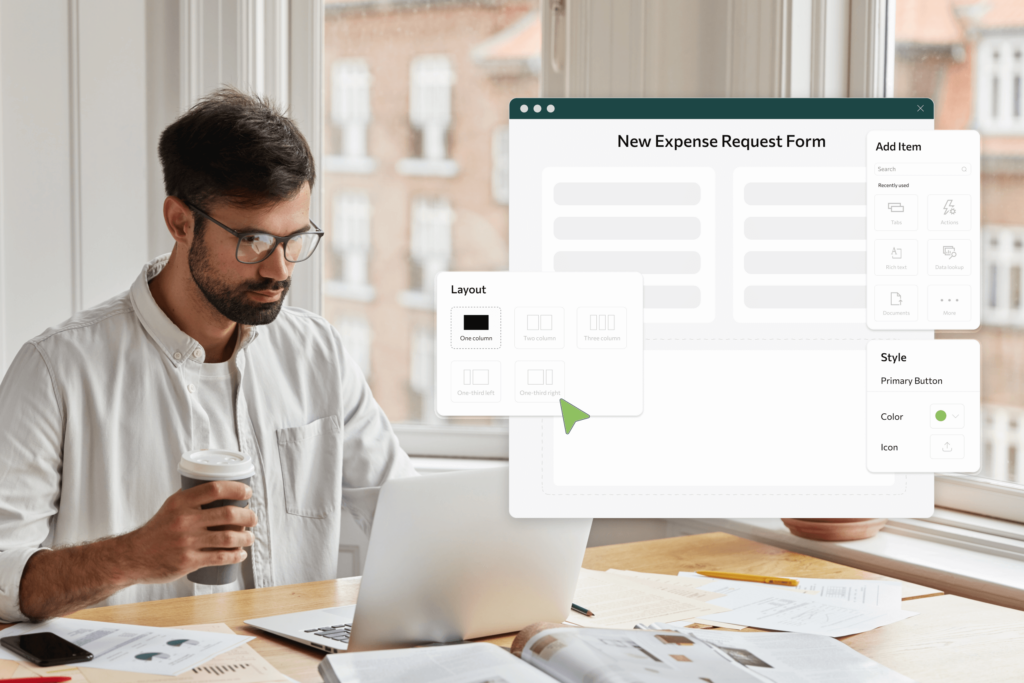
A No-Code? It's like painting applications, where instead of a brush, you use a mouse – everything is built on a drag-and-drop principle without any coding. It's an ideal way for those who want to create but also want to avoid complex programming languages or bypass standard solutions like CRM and ERP systems, collaboration/workflow apps, and document management apps.
Benefits of Low-Code and No-Code
These approaches are like little superheroes for developers and IT teams – they make our work incomparably easier (And who wouldn't want to make their work easier?). Accelerated application development without the need for deep coding knowledge means tasks that would otherwise take days can be completed in hours. Furthermore, even technically challenged individuals can get started creating applications without spending time studying programming, which, as you might guess, is not an easy-peasy area. In addition to time, they also save a lot of nerves and frustration, and leave work for home in a better mood. (Isn't this priceless?)
Custom app development – anyone with a mouse in hand and a good idea can „cobble together“ their own app thanks to No-Code.
The secret weapon is called Skybow Studio
Skybow's intuitive low-code framework for SharePoint is like a superpower in the hands of developers. It enables quick and easy creation of applications that precisely meet the needs of a company/organization. Therefore, you no longer need to burn time and money on Power Apps. Once created, you can easily package and deploy the designed solution to the customer's SharePoint site, even on another tenant.
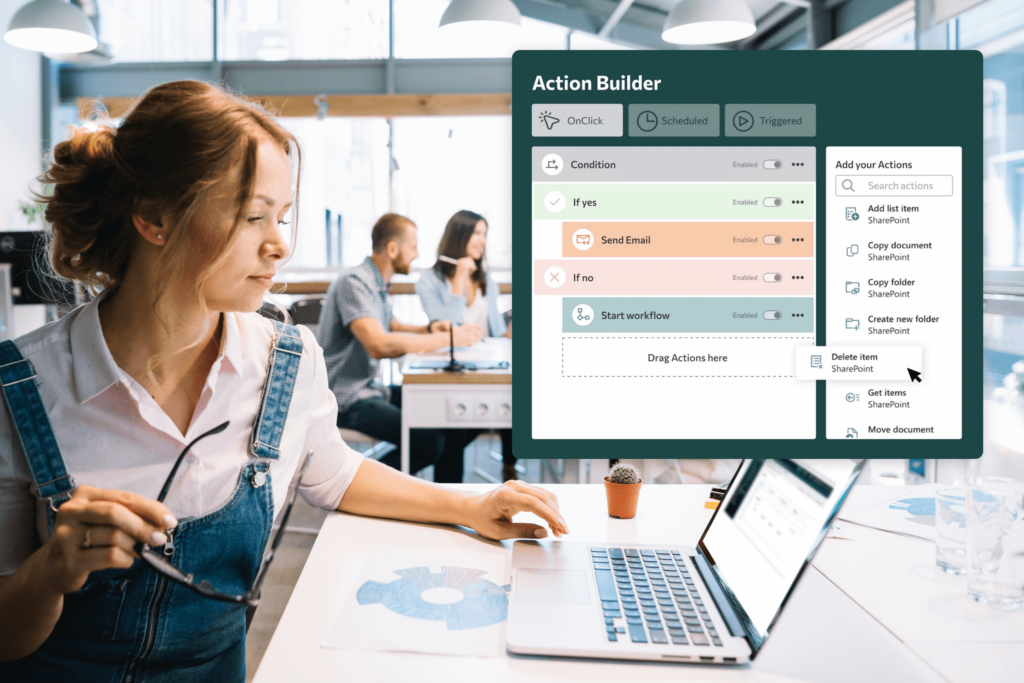
The framework is modular, thus allowing for easy adaptability and extensibility of forms according to the needs of a specific company. With Skybow Action Builder, you can also easily design your workflow automation thanks to its drag-and-drop functionality.
An excellent feature is also that Skybow offers support with regular updates, which ensures stable and always up-to-date solutions for customers. It quickly responds to changes and updates from Microsoft and enriches SharePoint with functionalities, thereby expanding its usability and customization options.
The fact that this tool runs like clockwork might be because it is... from Switzerland. And as is their custom, Skybow has been developed for a long time to achieve today's level of above-standard quality.
Its exclusivity also lies in the fact that it is the only no-code coding app directly connected to SharePoint. And we were honored to be its exclusive distributor for the Czech Republic and Slovakia. If you are interested in this clever gadget and would like to implement it into your processes, you know who to turn to (wink wink).
Case studies on gold
You know the saying – seeing a case study once is better than reading a hundred times what we've accomplished. Therefore, we invite you to take a look at an interesting collaboration with the company Ahoy Career, the core of which involved automating the lead generation process from Facebook and creating a more efficient organization for recruiting new candidates.You can find the case study here).
Another example is our cooperation with the Košice city municipality, where we migrated their old intranet (without losing older data and files) and thus ensured its operation exclusively in electronic form. Yes, we also digitized – we created custom apps for them on the intranet to make it even easier and more intuitive.
The finishing touch
Low-code and no-code approaches, along with tools like Skybow Studio for SharePoint, are not just a promising path to faster software development. They are key innovations that effectively simplify application creation and automate processes. For developers, managers, and anyone looking for efficient ways to develop software, it's simply a gold mine. So if you want to extract treasures from it, you already know the way. And we'd be happy to guide you.
Share post
Article content
Do you know where exactly you're wasting time and money?
Launch our NONSENSE SCANNER. In 3 minutes, you'll find out how much precious time and money you're actually burning on unnecessary operations.
We use technologies such as cookies to store and/or access device information to provide the best experience. Consenting to these technologies will allow us to process data such as browsing behavior or unique IDs on this site. Not consenting or withdrawing consent may adversely affect certain features and functions.
Functional
Always active
Technical storage or access is necessary for the legitimate purpose of enabling the use of a specific service explicitly requested by the subscriber or user, or solely for the purpose of transmitting a communication over an electronic communication network.
Preferences
The technical storage or access is necessary for the legitimate purpose of storing preferences that are not requested by the subscriber or user.
Statistics
Technical storage or access that is used exclusively for statistical purposes.A technical storage or access that is used exclusively for anonymous statistical purposes. Without a subpoena, voluntary compliance by your Internet Service Provider, or additional records from a third party, information stored or retrieved solely for this purpose can usually not be used to identify you.
Marketing
Technical storage or access is necessary to create user profiles for ad serving or user tracking on a website or across multiple websites for similar marketing purposes.