
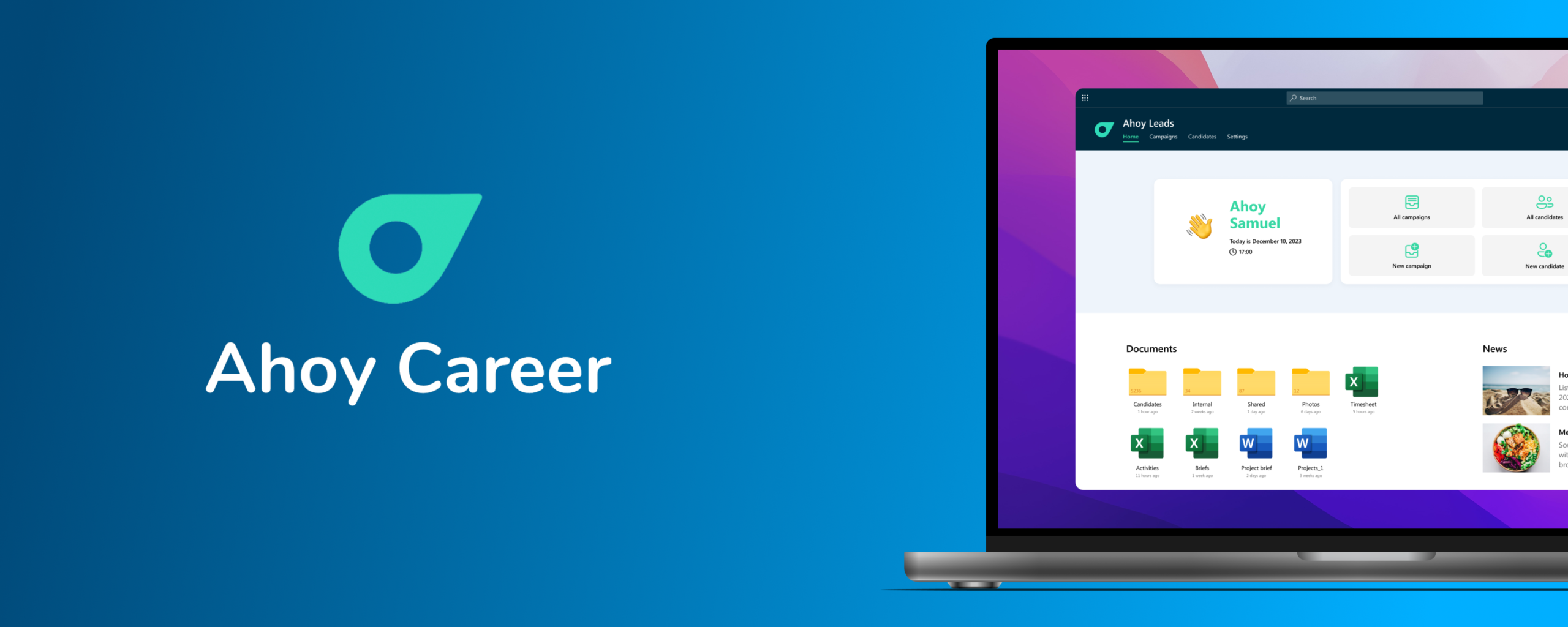
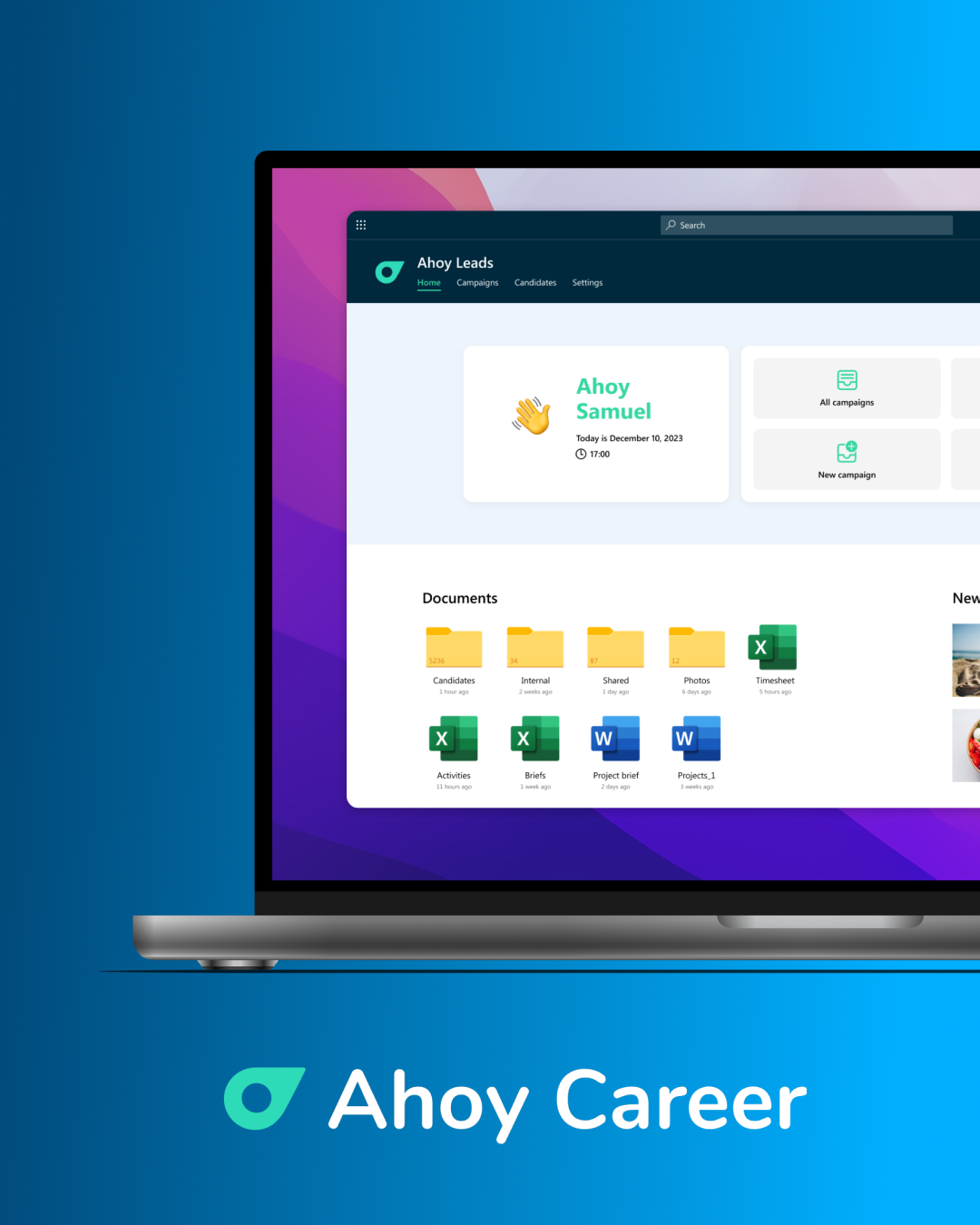


Ahoy Automation! We've streamlined lead generation with the Ahoy Career app.

April 22, 2026
5-minute read
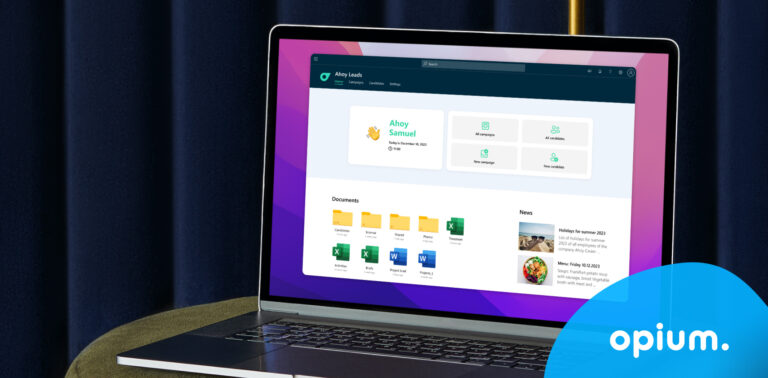
Ahoy App Cover

Virtual threads connect the world. This time, we pulled on them in a slightly different way. To help connect potential candidates with Ahoy Career as quickly and effectively as possible.

Ahoy Career app

Client and task

Ahoy Career, a recruitment agency operating in several European countries (CZ, SK, PL, RU, HU) approached us with a clear goal: to create an application that would replace the manual process of collecting candidates from Facebook Lead forms and recording them into Excel spreadsheets.  

A new challenge? We said yes without hesitation. 

First, we shared our vision and inquired about the agency's perception of it. Subsequently, we conducted four workshops with the client, during which we thoroughly analyzed their existing lead generation processes and methods. The outcome was a sophisticated solution built on Microsoft SharePoint, which enables the client to create lead generation campaigns on Facebook. After launching these campaigns, the collected leads are automatically transferred directly from Facebook to the AhoyLead application, where a series of automation processes take place. 

Challenges in the process

Manually transcribing leads from Facebook into Excel is not only time-consuming (and stressful), but also leads to a higher incidence of data entry errors. Therefore, it was important to design an application that could select the right candidates, contact them, and move the others to a „maybe later“ folder. The second challenge was integrating lead data with the client's internal processes. However, besides analysis being our forte (really), it's also a very useful tool that allowed us to design an optimal tailor-made solution and successfully implement it in June 2023.  

Teams app

Key features

Simple and, above all, stress-free data integration
Leads generated from Facebook automatically synchronize with the SharePoint application, eliminating the need for tedious manual entry (Hands up, who likes fiddling with Excel? Nobody?) 

Automation is worth more than gold
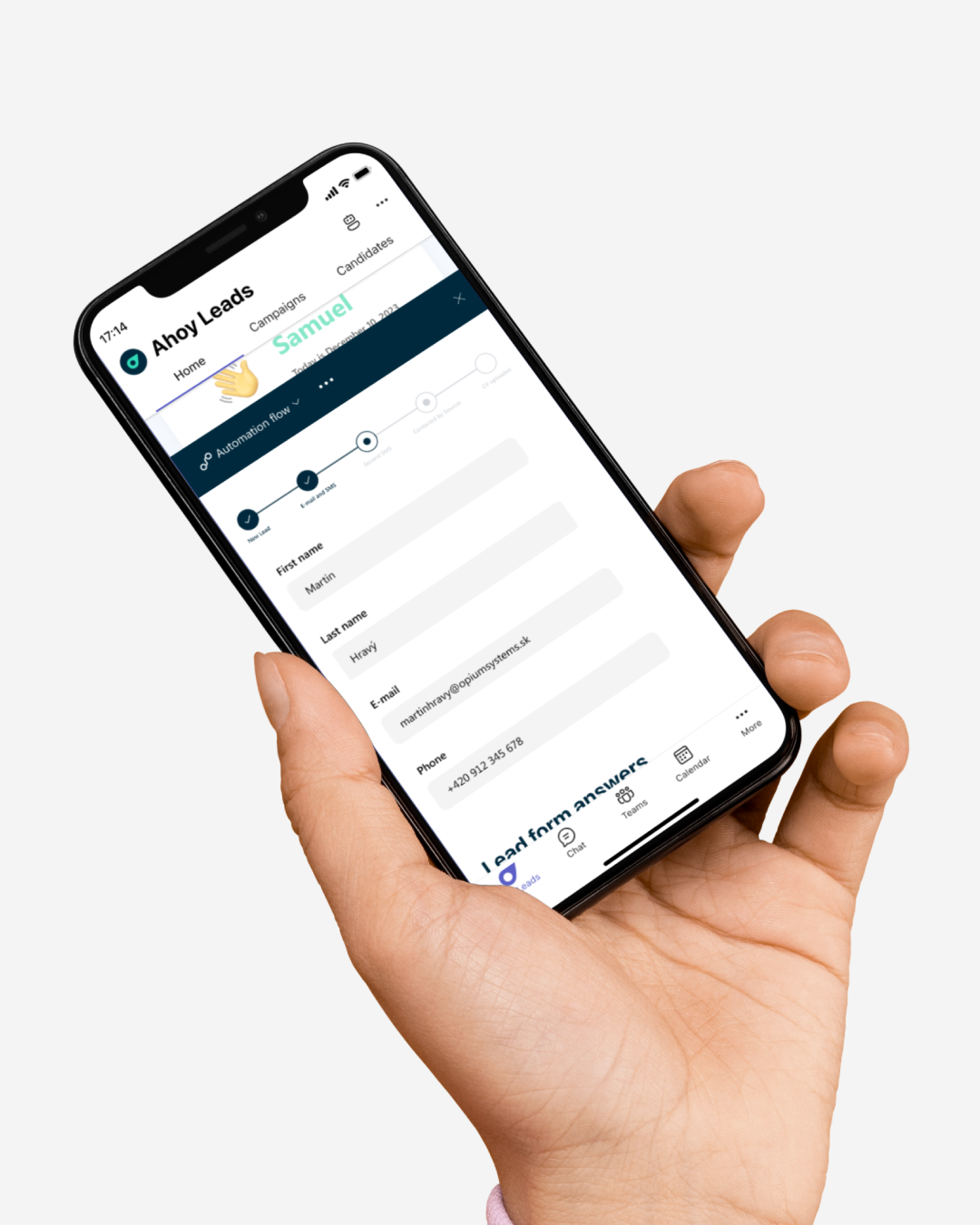
AhoyLeads includes handy automation features that trigger actions based on prospects' answers to form questions, such as sending them automatic emails or SMS messages. 

When less (time spent writing) means more (processed leads)
Thanks to the application, the lead management process has been streamlined, ensuring that they are effectively categorized and responded to based on their preferences and responses. 

,Now, by having more positions, more leads, and more clients, we think that without this tool, we would need one full-time person, and whether that would even be enough. We don't have it quantified yet, but we have a feeling that without the app, we would be truly lost.“

Client feedback

What can give us the most authentic evaluation of an application? The client's perspective. That's why we asked Ahoy Career a few questions to help us (and you) get a picture of the application's results and practicality.  

Have you noticed any advantages over Excel? 
,"As for the main benefits, it’s probably the campaign response rate. In June, across all projects, the response rate was just under 24%. And now, when we looked at June (after the app was implemented), it had already jumped to over 30%, with fluctuations depending on the size of the project. For some projects, we have a response rate of around 50%. Also, the people who ultimately make the calls spend less time on it. For one thing, they’re only doing one task, but it’s also clear and fast for them, so in terms of human capital, we’d say the time savings are immediately visible. It’s also huge from the perspective that they don’t have to click through row after row of emails and texts. And we have the assurance that if a larger client comes along, we can take on such a contract and handle multiple positions at once without having to scramble to find a large number of people, because the app does that for them.” 

What is the top feature of the app for you?

The search bar at the very top of SharePoint is great because in the morning, when I open info Ahoy Career, there are several CVs, and I don't have to look for which campaign each one belongs to. They are clearly displayed in a timeline right in the application. Its intuitive design is also excellent; it's easy to navigate the app without needing a manual.

30% +

Response rate

59

campaigns

4 600

candidates

5

months

Tech stack

Microsoft SharePoint, Skybow Studio, Facebook Graph API, Automation scripts for email and SMS communication

This case study was completed in July 2023.

Samuel Paška

Share post

Article content

Do you know where exactly you're wasting time and money?

Launch our NONSENSE SCANNER. In 3 minutes, you'll find out how much precious time and money you're actually burning on unnecessary operations.

Do you like our articles?

Subscribe to our newsletter
By logging in, you agree to our
Privacy Policy

Related articles

digitization
7-minute read

If cities stopped putting out fires: 3 solutions that save them hundreds of hours today

Imagine a Monday morning at the city hall. The department head opens their laptop, needing to check the status of an investment project. They start searching through emails. Then they call a colleague. The colleague sends an Excel file – but it's not the right one. A third attempt. Fifteen minutes gone. And the project is still not clear. This is not an exception. This is the daily reality for most Slovak municipalities. In our experience, the average [...]

digitization
7-minute read

AI agents in companies: when software works for you 

Let's admit one thing. Almost everyone uses artificial intelligence today. Some people write texts with it, some create presentations, some have Excel tables generated for them. AI has become a universal assistant: you open it, ask a question, get an answer, and continue. But while most people use AI as a handy tool, something a level higher is starting to appear in companies. An AI agent. And surprisingly many [...]

case study
4 minute read

How to set up a Digital Workflow?

At Opium.systems, we love innovation, and sometimes we even „cook“ it up. One of our most unique activities, which we recently implemented at the Slovak Savings Bank's business conference, BIKOSS 2025, is the cooking show „How to Cook a Digital Workflow.“ Why did we have a cooking show, anyway? During typical digitization training or workshops, the human experience is often lacking – processes, workflow mapping, and automation are [...]

help
5-minute read

AI Agent Security - How Not to Let Your Copilot Sniff Out Your Secrets 

AI agents are like Swiss Army knives in the digital world. They can read, write, connect data, send notifications, automate workflows... if you set them up correctly, they won't even forget your boss's birthday. But in the wrong hands, or without oversight? They could accidentally reveal sensitive information, modify the wrong record, or trigger a process that wasn't supposed to be released yet. Their deployment can be either a win, [...]