Imagine you're in nature. But instead of the harmonious chirping of birds and the rustling of leaves underfoot, every step you take is accompanied by a loud electronic “ding!“ or “clang!" or "beep!". Notifications jump at you from every corner like wolves waiting for their prey.
If you feel like we've gone a bit off the rails, try to think about this: How many times have you been interrupted by notifications today? And how many times have you felt that your brain simply can't keep up with the pace that the digital world imposes on you?
Welcome to the world of notification blindness, where your senses no longer even perceive the quantities of alerts that incessantly bombard you. The cause? Digital noise. You can visualize it as waves of emotions and information that break ceaselessly against the pier of our attention. This makes every day a struggle to maintain efficiency and productivity. According to a recent survey by Unily, as many as 67% of employees said they would like more control over their notifications. This isn’t just a statistic—it’s a wake-up call.
Why is digital noise dangerous?
Digital noise is like an invisible killer of productivity. Every ping and every buzz takes a piece of your mental space, distracts you, and disrupts your flow. You're in the middle of an important task when a notification suddenly pops up on your screen – „We have a new meeting, come!“ Immediately after that – „Reminder: Check reports.“ Then another ping from your chat app, where you've been tagged in another work thread. The numbers are clear – The biggest enemies of concentration are online meetings (44%), emails (39%), and chat messages (36%).
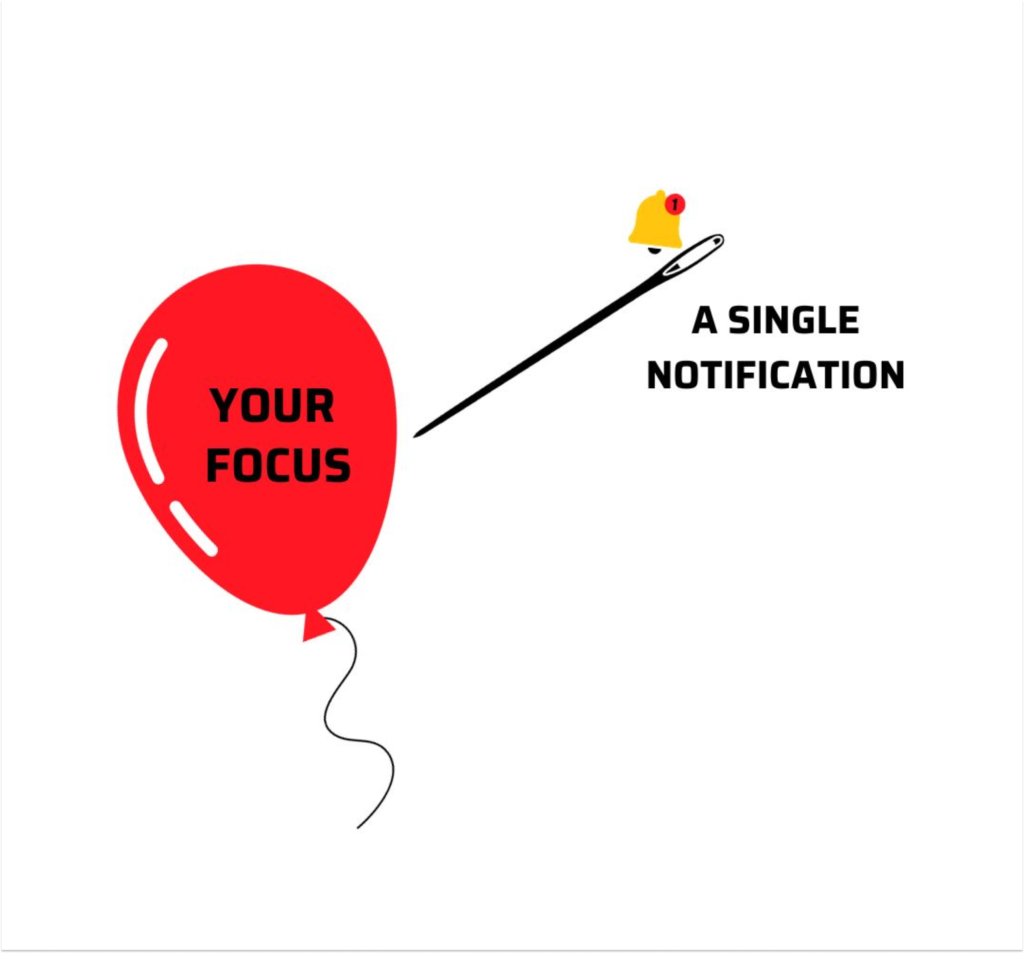
Constant interruptions decrease your ability to focus, causing every task to take longer than it should. So instead of patting yourself on the back with a sense of accomplishment at the end of your shift, you leave with unchecked tasks on your to-do list, which frustrates you and drives you home with a scowl.
How do you control distractions in your workplace?
Notification Blindness: A Symptom of Digital Overload
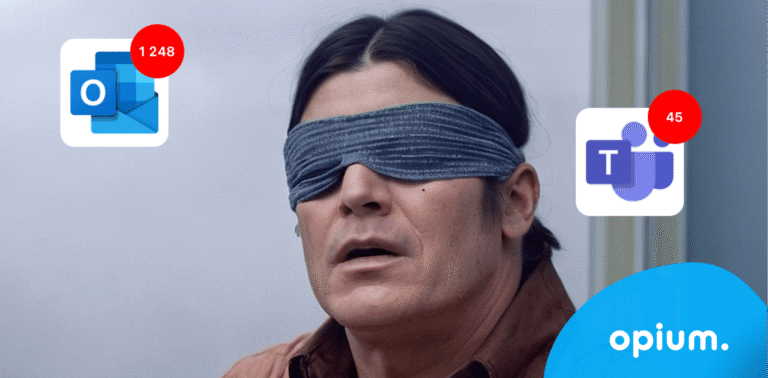
Deaf, blind, mute. Yes, as with biological functions, everything is interconnected in the digital world. When you reach a state of notification blindness, your mind no longer even registers that new notifications are arriving. It's like a defense mechanism – the brain simply stops perceiving the excess information because it is overloaded. However, this condition has its consequences. It may happen that you unique important information. This directly relates to the third stage – when you don't see something, you can't react. And that's exactly what happened to you.
We are not sharing all of this with you to scare you or to add more to your already overflowing plate. There is a solution for everything. And we'll reveal it to you – consolidation of corporate tools into a centralized platform.
According to research from Forrester Wave: Intranet Platforms Q2 2024, the top intranet platforms that help minimize digital noise work with tools that will fundamentally change the rules of your game. Its key features include robust search functions, a personalized user interface, or integration with existing tools. is also significant according to Nielsen Norman Group intranet design, which can increase productivity and employee interest as far as o200%. 200!! And that's a respectable number, wouldn't you agree?
5 effective ways to gain control over digital noise
Having intentions is nice, but without action, nothing changes. So, let's get straight to the point – here's how to clean up that digital mess once and for all:
1. Mapping communication channels and centralization: Stop drowning in channels. Literally.
Stop and map out how many people you're actually communicating with. You might be surprised. Honestly answer yourself now – do you really need to have those 15 apps for business processes? If you want to cure yourself of digital deafness, one of the best remedies is to centralize your communication tools. And therefore, have everything under one roof, or rather, one platform where you can find company information logically organized and where you decide what and when you see. Because chaos is just a matter of choice, it can be done differently.
2. Notification Customization
Give employees more control over when and where they receive notifications. Let them decide if they need to know about every new email or if a regular alert once an hour is enough. Because less is more. Your brain surely nodded in enthusiastic agreement.
3. Time and Task Management:
Teach your employees how to effectively manage their time and tasks. Working with digital tools can significantly reduce distractions and increase focus, thereby boosting productivity.
TIP: Try to introduce the practice,Digital fast“– periods during the workday when all notifications are turned off and employees can fully concentrate on the day's priorities.
4. Manager Education:
Managers are the heart of the team. When they are trained to effectively use digital tools, they not only minimize their own distractions (let's be honest, even the best can slip up sometimes), but they also lead their team to greater productivity and satisfaction. Invest in their education and watch chaos turn into harmony.
5. Relationships and Success Metrics:
Get to know the key players on the team, analyze what interests and motivates them. If they are only motivated by pizza on Friday afternoons, you have a problem. Create a clear mission for internal communication, motivate your team towards results, and establish success metrics.
How Push Notifications Affect Your Productivity | Anand Dasari posted on the topic
Centralized platform: Choose your weapon wisely
Are you asking how to even start?
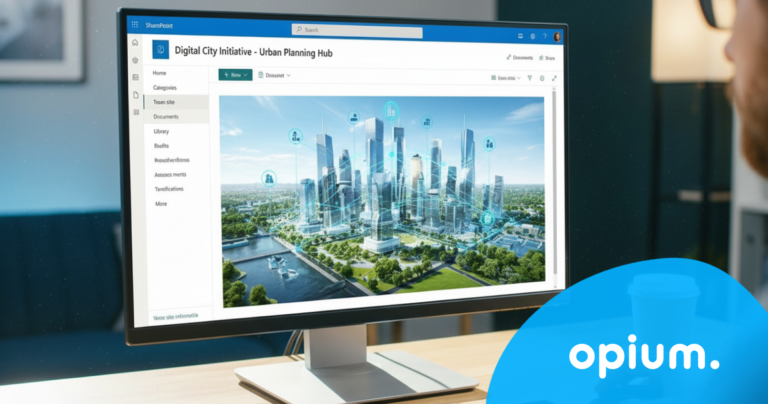
With the most obvious – the choice of platform. Kollstrøm Studio shows how Microsoft 365 and SharePoint They cleverly consolidate information in one place, making them your new secret weapon for centralization and combating digital deafness. According to a Gartner study, up to 55% of employees who work flexibly with a digital system can be considered highly productive. Flexibility + digitization = greater speed and efficiency. A simple equation that will really shake things up for you.
And that's a good enough reason to stop hesitating and Start acting.
Real-world example: Košice case study
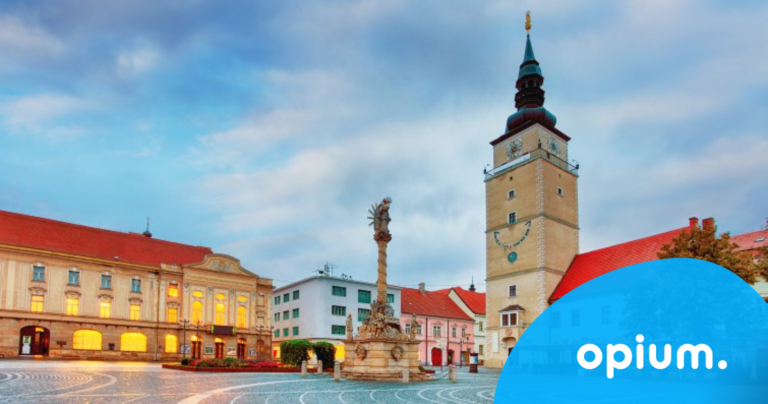
To convince you that we don't just make big promises with no action – we present to you our Case Study Mesta Košice. So, how do you transition from an archaic system to the digital champions league? With our centralized hub, we've thrown city officials a lifeline out of the chaos, where they now have everything neatly organized: guidelines, documents, communication, company car rentals, and even live streams from council meetings. Košice had enough of their team wasting time in the office and daily complaints from disgruntled citizens. They are proving that even municipal bureaucracy can be sharp, fast, and efficient.
Conclusion: Order from chaos
Closing your eyes to digital chaos is like ignoring a growing pile of dirty laundry. It's time for a radical upgrade. Centralize, automate, and most importantly: Choose the platform that suits you. Because if you don't adapt, you'll end up like dinosaurs – extinct and powerless in an overloaded world of digital noise. The choice is yours, but we're betting you already know what you need to do. And we'll be happy to help you with it.
Share post
Article content
Do you know where exactly you're wasting time and money?
Launch our NONSENSE SCANNER. In 3 minutes, you'll find out how much precious time and money you're actually burning on unnecessary operations.
We use technologies such as cookies to store and/or access device information to provide the best experience. Consenting to these technologies will allow us to process data such as browsing behavior or unique IDs on this site. Not consenting or withdrawing consent may adversely affect certain features and functions.
Functional
Always active
Technical storage or access is necessary for the legitimate purpose of enabling the use of a specific service explicitly requested by the subscriber or user, or solely for the purpose of transmitting a communication over an electronic communication network.
Preferences
The technical storage or access is necessary for the legitimate purpose of storing preferences that are not requested by the subscriber or user.
Statistics
Technical storage or access that is used exclusively for statistical purposes.A technical storage or access that is used exclusively for anonymous statistical purposes. Without a subpoena, voluntary compliance by your Internet Service Provider, or additional records from a third party, information stored or retrieved solely for this purpose can usually not be used to identify you.
Marketing
Technical storage or access is necessary to create user profiles for ad serving or user tracking on a website or across multiple websites for similar marketing purposes.