Are invoices slowing down your business? How to avoid accounting chaos
October 10, 2026
3 minutes
Readings
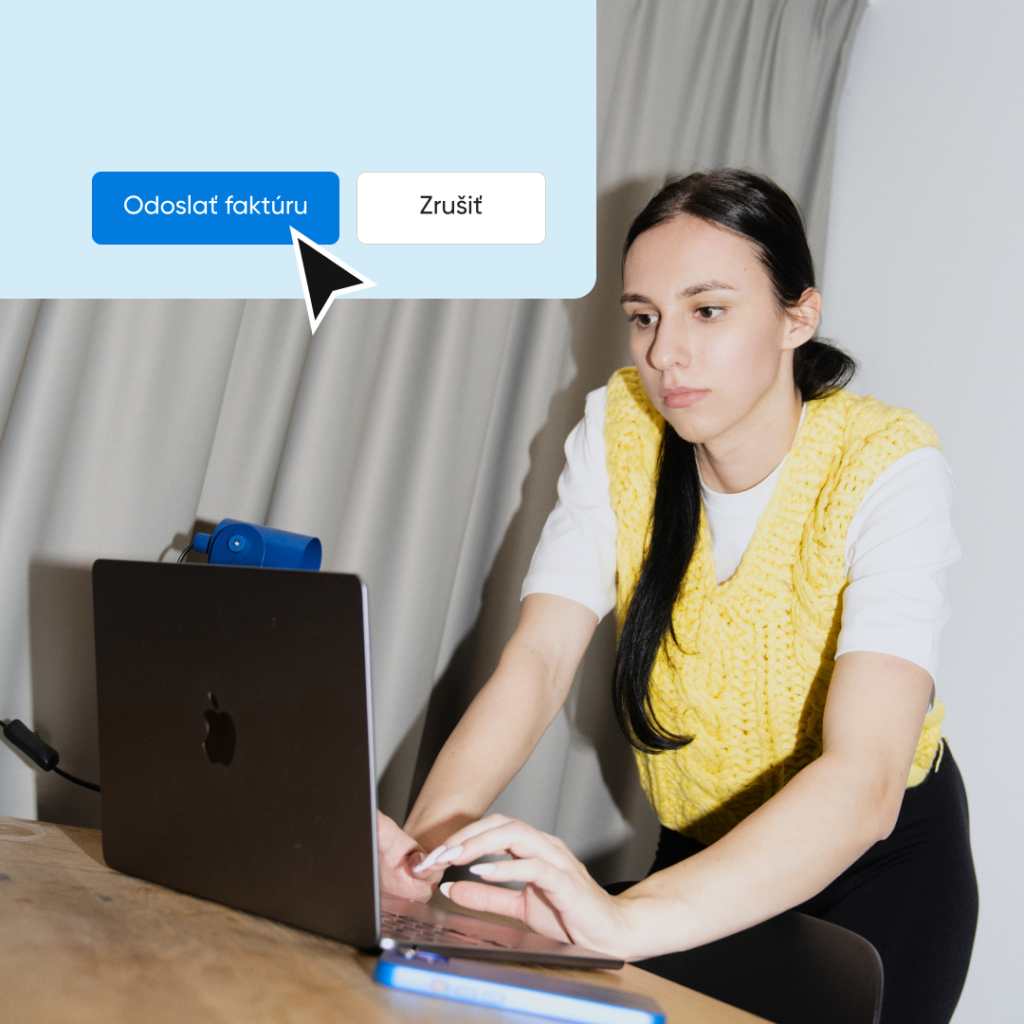
Do you know that feeling when everything is going smoothly? Orders are arriving on time, customers are satisfied, deliveries are running without a hitch, and the entire process works like a well-oiled machine. And then comes invoicing.
The search begins. Where is the correct version of the invoice? In the email, in the shared folder, or in the one called „invoices – final“All documents, delivery notes, and protocols are opened and numbers are compared. Someone corrects something, someone rewrites something, and something is still waiting for confirmation. A colleague sends a message, the accountant checks attachments, and in all of this, the overview is lost. Everyone feels like they are doing everything right, but the result is somehow not visible.
A few days later, the situation repeats itself. Someone needs to check the same invoice, but can no longer find it. There are at least three versions, but each has a different date, and all are „currently“.
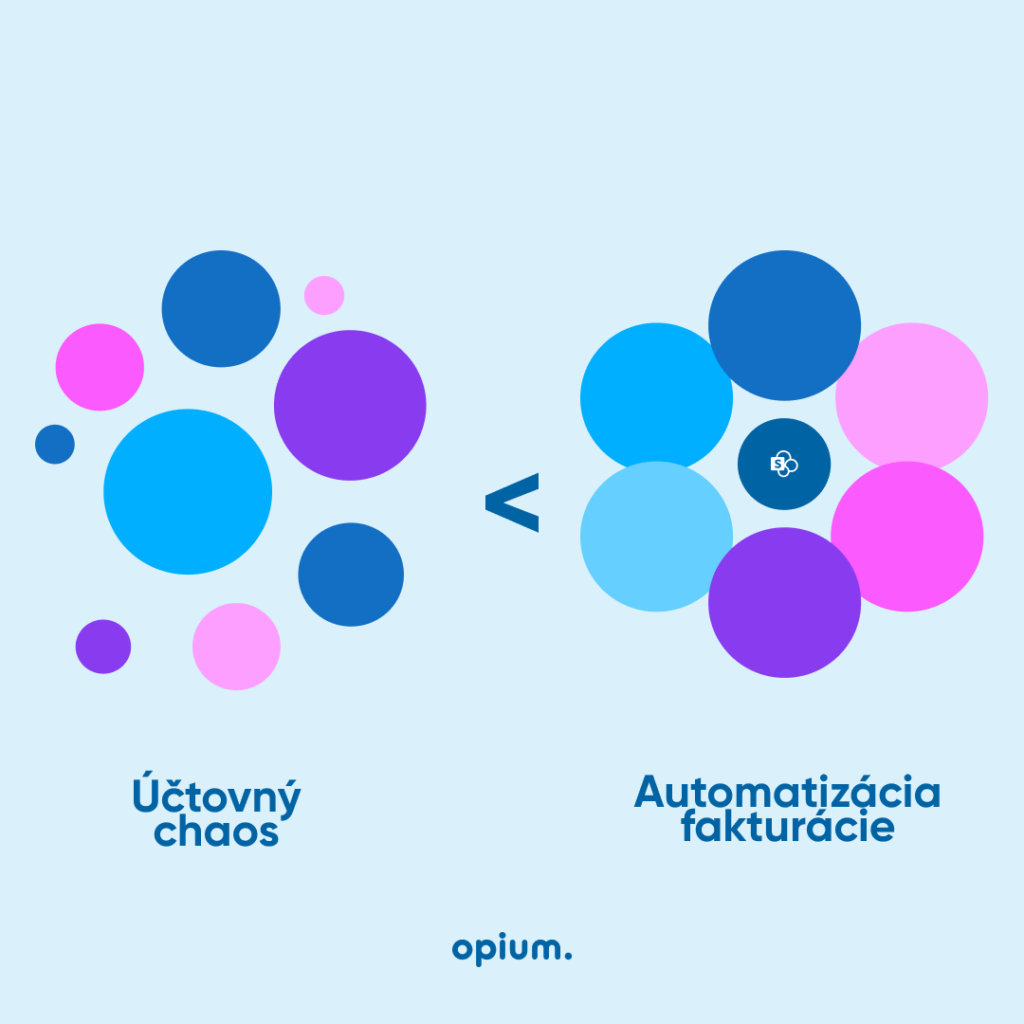
Do you also know this from your company? In many companies, such situations are a reality. Not because there's a lack of order, but because the tools used in the company don't allow for order. Work is done in systems that don't communicate with each other, data is stored in different places, in different folders, and duplicate versions of documents are created. It's not just a waste of time and energy, and your nerves, which waste away when this happens.„get lost”This is about utilizing hidden potential within the company that is not being fully exploited.
The e-shop order will be transferred to a system that automatically generates an invoice, sends it to the customer, and saves it to the accounting system. And if something changes, everything will be updated in all tools at once.
This way, the company has up-to-date data at all times, accounting has an overview, the customer receives invoices on time, and employees can focus on work that makes sense. Invoice automation is not some distant vision; it is a reality that today we deploy to companies commonly. And the results? Fewer errors, faster processing, happier customers, and most importantly, peace of mind for all colleagues.
Automation isn't about machines replacing people. Automation is about taking over routine tasks that nobody enjoys. This allows us to focus on work that has real value for the company's development. In this case, technology is not a threat, but an assistant that saves both time and energy.
My Opium SystemsWe believe this is exactly what modern automation should look like. If invoicing is taking up more time than it should, contact us. We'll show you that invoices don't have to be a problem.
Share post
Article content
Do you know where exactly you're wasting time and money?
Launch our NONSENSE SCANNER. In 3 minutes, you'll find out how much precious time and money you're actually burning on unnecessary operations.
We use technologies such as cookies to store and/or access device information to provide the best experience. Consenting to these technologies will allow us to process data such as browsing behavior or unique IDs on this site. Not consenting or withdrawing consent may adversely affect certain features and functions.
Functional
Always active
Technical storage or access is necessary for the legitimate purpose of enabling the use of a specific service explicitly requested by the subscriber or user, or solely for the purpose of transmitting a communication over an electronic communication network.
Preferences
The technical storage or access is necessary for the legitimate purpose of storing preferences that are not requested by the subscriber or user.
Statistics
Technical storage or access that is used exclusively for statistical purposes.A technical storage or access that is used exclusively for anonymous statistical purposes. Without a subpoena, voluntary compliance by your Internet Service Provider, or additional records from a third party, information stored or retrieved solely for this purpose can usually not be used to identify you.
Marketing
Technical storage or access is necessary to create user profiles for ad serving or user tracking on a website or across multiple websites for similar marketing purposes.